Over 40 Years in BusinessISO 27001 compliantPublic sector: GSA contract holder
LA 562-298-5000 · Chicagoland 312-432-5300 · Phoenix 602-733-6807 · Client Support

Over 40 Years in BusinessISO 27001 compliantPublic sector: GSA contract holder
LA 562-298-5000 · Chicagoland 312-432-5300 · Phoenix 602-733-6807 · Client Support
BTI provides managed IT services to Chicago and Chicagoland organizations that need their technology to run reliably, stay secure and pass audits without hiring an entire IT department. Choose fully managed IT, where we run everything from the help desk to the network, or co-managed IT, where we work alongside your internal team and fill the gaps. In both cases you get a local Chicago team, a 24/7 NOC/SOC watching your environment, and engineers who know your systems by name.
We have supported business technology for over 40 years, and 98% of our managed IT clients renew with us.
Or call our Chicagoland managed IT team at 312-492-2613
In 77 seconds, Eric Brackett explains how BTI supports Chicagoland organizations with one standard at every site, fully managed or co-managed, with on-site help from Downers Grove. Press play.
Or call Chicagoland managed IT at 312-492-2613
Looking for managed IT services in Chicago? You should get one standard of support at every site, from the Loop to the suburbs, with local engineers who know your systems. I'm Eric Brackett, Founder and President of BTI Communications Group.
I founded BTI in 1985 installing business phones. Over 40 years later, your IT, cybersecurity, cameras, door access, phones and AI share one network, with one accountable partner for it all.
Choose fully managed IT, where we run everything from the help desk to the network, or co-managed IT, where we work alongside your team and fill the gaps, with responsibilities written down.
Either way, you get patching, tested backups, network and Wi-Fi support, and monitoring from our 24/7 NOC/SOC, with help desk hours set by your agreement. On-site needs get a one-business-day response from our Downers Grove office.
BTI is ISO 27001 compliant and a Cisco Select Partner. Our 24/7 NOC/SOC has handled more than 10,000 alerts with zero missed, and 98 percent of our managed IT clients renew.
Get your free IT assessment with the form on this page, or call 312-492-2613.
Our managed IT clients are typically mid-market organizations across Cook, DuPage, Lake, Will and Kane counties, with anywhere from a few dozen to several hundred users and often more than one location. They include professional services firms in the Loop, manufacturers and distributors in the western and northwestern suburbs, healthcare practices, schools, nonprofits and multi-site retail and logistics operators. Most have reached a point where one or two IT staff, or a break-fix vendor, can no longer keep up with security, compliance and growth.
If you need a full outsourced IT department rather than a managed services partner, see outsourced IT in Chicago. If you only need hands-on help at your sites, see on-site IT support in Chicago.
If two or more of these sound familiar, a free consultation will show where the gaps are and what to fix first.
Most Chicago organizations come to managed IT at one of five moments. Pick yours:
| Your situation | Start here |
|---|---|
| Moving offices or opening a new site | Moving or expanding in Chicagoland |
| Your IT person is retiring, or your MSP isn't working | When your IT person retires |
| You want to outsource IT labor and automate routine work with AI | Outsource the work and automate with AI |
| You have IT staff and want backup, not replacement | Work alongside your IT team |
| You already use BTI for phones or security | Already a BTI client? Add IT |
A new lease or a new site is when IT problems show up all at once: a network closet to build, circuits to order, Wi-Fi to design, phones to port and cameras and doors to connect. BTI plans the network, structured cabling, Wi-Fi, internet circuits, phones, cameras and access control on one timeline, with one project team. That way the cutover is planned, and day one starts with an engineer available.
We shop and manage every technology service for you, cutting cost, saving your team's time, and eliminating missed or prolonged handoffs between vendors.
Plan your move with an engineer: Book a free consultation or call 312-492-2613
Read more: Managed IT hub: grow and move
Many Chicago organizations have run on one trusted IT person for years. When that person retires or leaves, the passwords, vendor contacts and "why it's set up this way" often leave with them. Plan the handover while they are still here.
Plan your IT handover: Book a free consultation or call 312-492-2613
Read more: Outsourced IT support in Chicago
Not every open role needs a new hire. BTI's managed IT takes on the IT labor, and BTI's AI services automate repeatable work with a person accountable for the result. AI advisory is included in the managed IT and managed AI plans. Automations BTI builds include:
Each AI client gets its own hosted Azure tenant, so your data stays in a governed, tenant-isolated workspace.
See what we can automate: Book a free consultation or call 312-492-2613
Read more: AI services · Free AI Buyer's Guide
Have IT staff? Keep them. Co-managed IT adds the depth your team chooses, and your team keeps the work it's best at.
Talk co-managed with an engineer: Book a free consultation or call 312-492-2613
Read more: Co-managed IT services · IT help desk outsourcing
If BTI already runs your phones, cameras, access control or alarm monitoring in Chicagoland, adding managed or co-managed IT gives you one accountable team for the network those systems share. Your existing BTI services stay as separate lines. IT is added as new lines, so you see exactly what IT adds.
Add IT to your BTI account: Book a free consultation or call 312-492-2613 or talk to your BTI account manager
Read more: Converged security
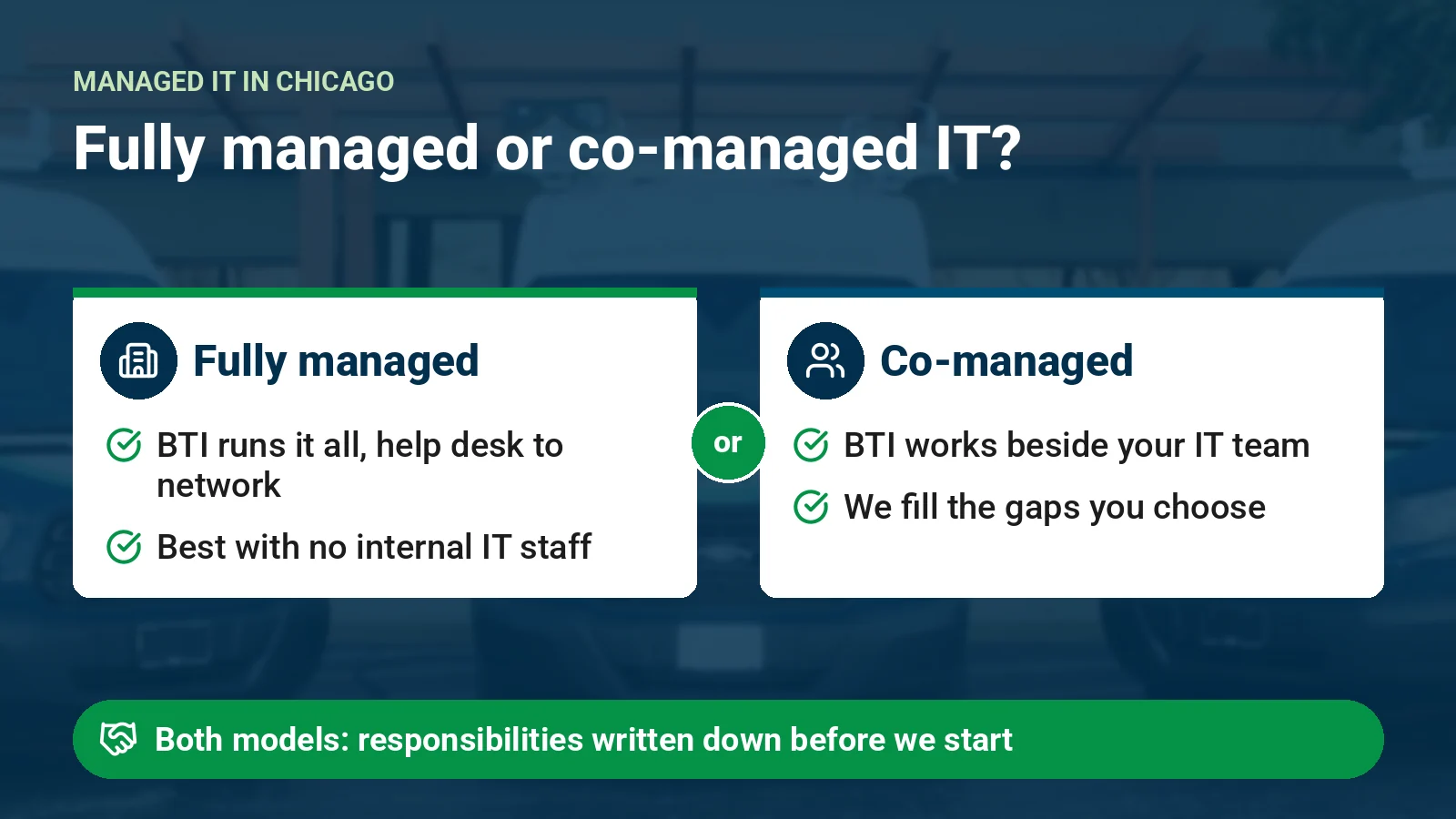
Fully managed IT suits organizations without internal IT staff, or with one generalist who wants to stop firefighting. BTI becomes your IT department. We handle the help desk, endpoint and server management, network and Wi-Fi, Microsoft 365, backup, security and vendor management, and we bring strategy through regular business reviews.
Co-managed IT suits organizations that have an internal IT team but need depth, coverage or tools they cannot build alone. Typical splits include:
We document responsibilities in a shared RACI so nothing falls between teams, and your staff get access to our ticketing, monitoring and documentation platforms.
What happens when your IT person is out, and how co-managed IT covers the gap.
See how co-managed IT would work for you, or call 312-492-2613
Chicago organizations face the same ransomware, business email compromise and vendor-risk pressure as everyone else, plus industry rules such as PCI DSS, FTC Safeguards and cyber-insurance questionnaires that keep getting longer. BTI is ISO 27001 compliant, and we run a 24/7 NOC/SOC. We map your controls to the framework that applies to you, keep the evidence current and join the auditor call when you want us there.
For healthcare organizations, see our dedicated healthcare IT services in Chicago.
Having cybersecurity tools doesn't mean you're covered.
When you shortlist managed service providers in Chicago, ask each one:
We are glad to answer every one of these in writing.
We'll answer all of them in the first meeting, and put the answers in your agreement. See Chicago managed IT pricing for typical per-user ranges.
A two-page checklist for comparing providers and preparing for your free consultation. Direct download, no form. PDF, 53 KB.
Every abbreviation on this page, spelled out, with examples of how it's used.
MSP (managed service provider): a company that runs and supports another organization's technology for a recurring fee. Examples: a law firm in the Loop uses an MSP as its whole IT department. A manufacturer with one IT person uses an MSP for after-hours coverage. A school uses one for network management only.
IT (information technology): the computers, networks, software, phones and data an organization runs on. Examples: IT support fixes a user's laptop. IT strategy plans next year's equipment budget. IT security protects email and data.
NOC (network operations center): a team that monitors networks, servers and internet circuits around the clock and responds to outages and performance problems. Examples: the NOC sees a branch office's internet circuit go down at 2 a.m. and opens a case with the carrier. It spots a failing server drive before it fails. It watches backup jobs.
SOC (security operations center): a team that monitors security alerts around the clock and investigates and contains threats. Examples: the SOC isolates a laptop that opened a malicious attachment. It investigates a sign-in from an unusual country. It reviews alerts from endpoint protection.
24/7 NOC/SOC: network and security monitoring combined, 24 hours a day, 7 days a week. Examples: the overnight network outage and the overnight phishing click are both seen and handled. Cyber insurance questionnaires often ask whether you have it. Co-managed IT teams use it so their staff aren't on call every night.
Help desk: the people your staff contact for IT problems and requests. Examples: resetting a locked account, setting up a new hire's laptop, fixing a printer that won't print.
vCIO (virtual chief information officer): a part-time IT leader from your provider who plans technology and budget with your leadership. Examples: building a three-year equipment refresh plan, preparing for an office move, reviewing IT spend at a business review.
vCISO (virtual chief information security officer): a part-time security leader who sets security strategy, policies and priorities. Examples: leading a cyber insurance renewal, running a tabletop incident exercise, reporting security posture to a board. vCISO services
RMM (remote monitoring and management): software that lets IT teams monitor, patch and fix devices remotely. Examples: installing security updates on every laptop overnight, alerting when a server's disk is nearly full, fixing a user's issue without a site visit.
MDM (mobile device management): software that manages and secures phones, tablets and laptops. Microsoft Intune is one example. Examples: wiping a lost phone, requiring a passcode on every company device, pushing apps to new hires' laptops.
EDR (endpoint detection and response): security software on each computer and server that detects and stops threats. SentinelOne and Bitdefender are examples. Examples: stopping ransomware from encrypting a laptop, quarantining a malicious file, showing investigators what a threat did.
MDR (managed detection and response): EDR plus people who watch the alerts and respond for you, around the clock. Examples: a SOC analyst isolates an infected device at night. MDR covers a cyber insurance monitoring requirement. It gives a small IT team security depth. Managed detection and response
MFA (multi-factor authentication): signing in with a password plus a second proof, such as a phone prompt. Examples: protecting Microsoft 365 email, securing remote access, meeting cyber insurance requirements.
SLA (service level agreement): the written service commitments in an agreement. Examples: which hours support covers, how issues are prioritized, what's on site and what's remote. BTI's commitments are written into each proposal, not published as a general promise.
M365 (Microsoft 365): Microsoft's subscription suite of Outlook email, Teams, SharePoint, OneDrive and Office apps. Examples: moving email to M365, setting Teams permissions for a new department, managing licenses as people join and leave.
Microsoft Entra: Microsoft's identity and access service (formerly Azure Active Directory) that controls who can sign in to what. Examples: MFA policies, single sign-on to business apps, blocking risky sign-ins.
Azure: Microsoft's cloud platform for servers, storage and AI. Examples: moving an on-site server to the cloud, hosting backups, running a company's own isolated AI workspace. Each BTI AI client gets its own hosted Azure tenant.
Wi-Fi (wireless networking): wireless network access for devices. Examples: office Wi-Fi for staff, separate guest Wi-Fi for visitors, warehouse Wi-Fi for scanners.
ISP (internet service provider): the carrier that delivers your internet circuit. Examples: ordering a new circuit for a new office, adding a backup circuit from a second carrier, managing carrier renewals.
PCI DSS (Payment Card Industry Data Security Standard): security rules for organizations that take card payments. Examples: separating payment terminals from the guest network, quarterly vulnerability scans, documenting who can access card data.
ISO 27001: an international standard for an information security management system. BTI is ISO 27001 compliant. Examples: written security policies, risk assessments, access reviews.
AI (artificial intelligence): software that understands language, finds patterns and drafts or automates work. Examples: a staff assistant that answers questions from approved company documents, summarizing customer inquiries, turning meeting notes into follow-up tasks.
Remote help desk support resolves many issues without a site visit. When something needs hands on site, local engineers from our Downers Grove office cover our Chicagoland service area, from downtown and the North Shore to O'Hare, Schaumburg, Naperville, Oak Brook and the south suburbs. Critical incidents such as an outage, a security event or a failed backup are escalated by the 24/7 NOC/SOC, often before your users notice.
Because our engineers are local, they learn your buildings, your ISP demarcs and your people. For multi-state organizations, the same team coordinates with BTI engineers in Los Angeles and Phoenix so every location follows one standard.
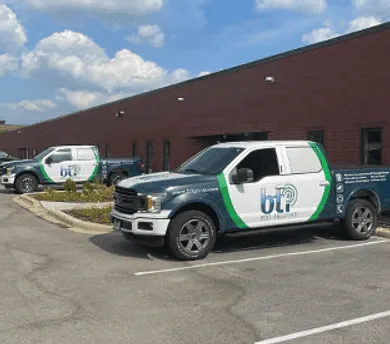
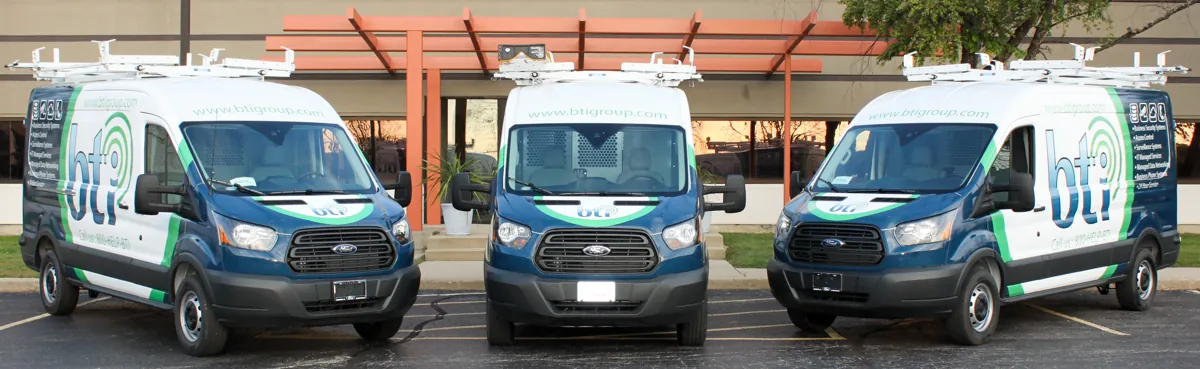
Many of our clients run a headquarters in the city with branches, plants or clinics in the suburbs, or locations in other states. Multi-state organizations get the same standard from BTI's Los Angeles and Phoenix teams. We standardize device builds, network templates, security policies and documentation across every site, monitor them from one 24/7 NOC/SOC and send local engineers when hands-on work is needed. Because BTI also installs and supports networks, phones, access control and security cameras, multi-site clients can consolidate vendors and get one accountable partner.
Opening, moving, or adding a location? Plan the technology first.
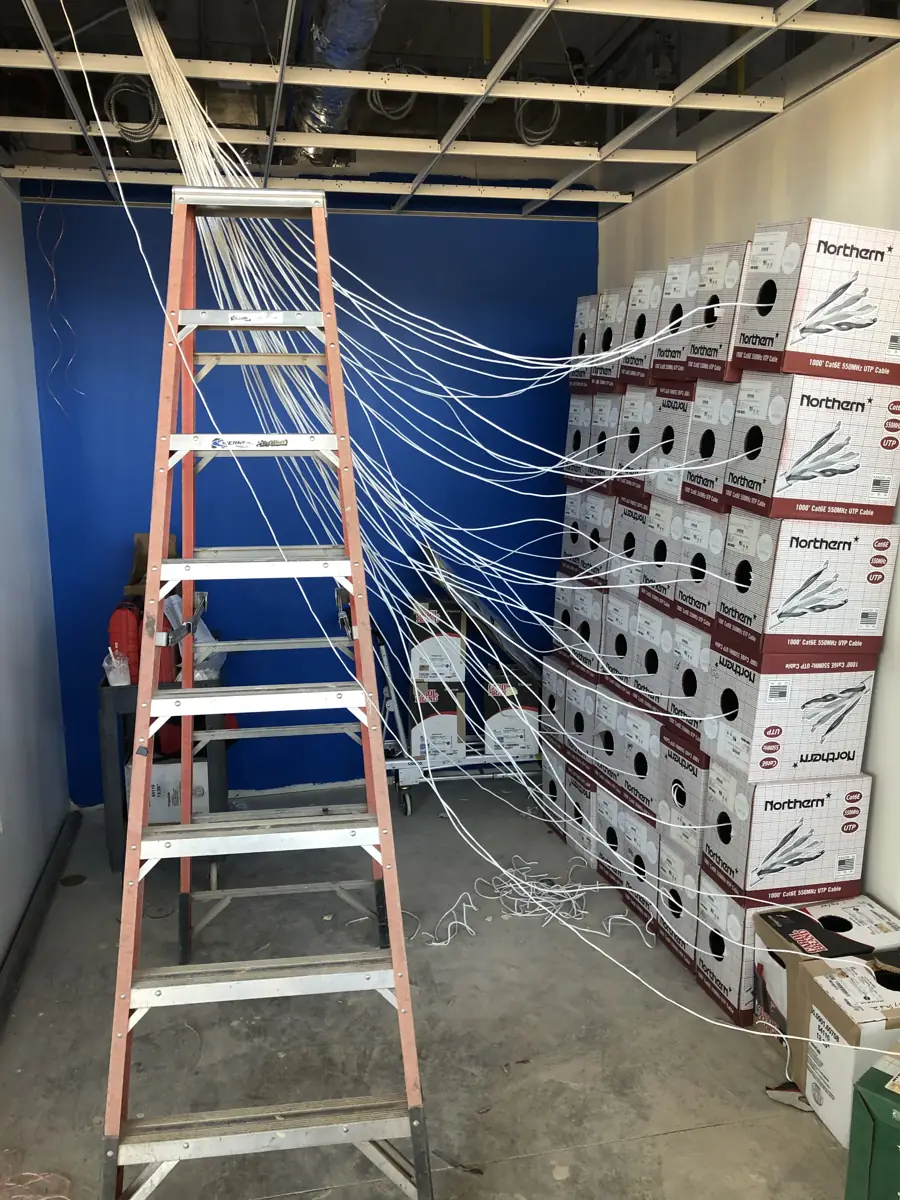
BTI's Chicagoland office is in Downers Grove, and local engineers from that office support organizations across Chicago and Cook, DuPage, Lake, Will and Kane counties.
Professional services firms, nonprofits and multi-floor offices in the Loop and across the city get managed IT, help desk support and on-site help from local engineers based in Downers Grove.
Naperville businesses get managed IT, IT support and 24/7 NOC/SOC monitoring from the Downers Grove office nearby, with the same itemized pricing as every BTI client.
Schaumburg and northwest suburban offices, warehouses and distribution sites get managed IT, co-managed support for internal IT teams and project engineers for moves and new sites.
BTI's Chicagoland office is in Downers Grove, so local businesses work with a team based in their own community.
Oak Brook offices get managed IT and IT support from the Downers Grove team next door, backed by the 24/7 NOC/SOC.
BTI's Chicagoland office: 1441 Branding Ave, Suite 200, Downers Grove, IL 60515. Call Chicagoland managed IT at 312-492-2613.
BTI managed IT runs $60 to $290 per user per month, itemized. What moves the number:
Most Chicago managed IT agreements are priced per user or per device each month, with clear definitions of what is included and what counts as a project. When you compare proposals, check what is actually included: after-hours support, on-site visits, security tools, backup storage, Microsoft 365 administration and strategic reviews. A lower monthly number that excludes these often costs more over a year. We give you a written, itemized scope, and we are happy to walk through a side-by-side comparison with your current agreement.
Best of breed with itemized pricing simply means, for example, instead of selling you a single-vendor firewall device at an inflated markup, we sell you an enterprise-grade Cisco device at a small markup. For the same money, you get a higher quality solution rather than a single-vendor stack that locks you in at a high margin.
Managed IT services means an outside team runs and supports your technology for a monthly fee. BTI handles the help desk, devices, network and Wi-Fi, Microsoft 365, backup and security monitoring through a 24/7 NOC/SOC, and brings strategy to regular business reviews. You can hand over all of IT or only the parts your team wants to share.
BTI managed IT runs $60 to $290 per user per month, itemized, based on the support level, the security services and the number of sites. Every line in the proposal is priced on its own so you can see what each service costs. Financing from 4% is available for qualified infrastructure projects.
With fully managed IT, BTI acts as your IT department. With co-managed IT, your internal IT staff stays in charge and BTI adds the depth they choose, such as help desk overflow, 24/7 NOC/SOC monitoring or project engineers. The split is written into a responsibility matrix that your IT lead signs off on.
Yes. BTI's Chicagoland office is in Downers Grove, and local engineers from that office work on site when hands-on work is needed. Remote support and the 24/7 NOC/SOC cover the rest.
BTI supports organizations in Chicago and across Cook, DuPage, Lake, Will and Kane counties, including Naperville, Schaumburg, Oak Brook, Downers Grove and the O'Hare corridor, from the Downers Grove office. Multi-state organizations are supported with BTI's Los Angeles and Phoenix teams.
BTI's Chicagoland office is at 1441 Branding Ave, Suite 200, Downers Grove, IL 60515. Call 312-492-2613 to talk with the managed IT team.
BTI documents your environment, collects credentials and vendor contacts, replaces or takes over the management tools, and plans the cutover with you so people keep working. The plan and dates are written into your proposal after the initial engineering consult call.
Plan the handover while they are still here. A BTI engineer works with your IT person to document systems, passwords, vendors and renewal dates in one record, and support overlaps before their last day. If they want to stay on part time, co-managed IT keeps them involved with BTI as backup.
Call as soon as you have a move date or a signed lease. BTI plans the network, cabling, Wi-Fi, internet, phones, cameras and access control on one timeline, so one team owns the cutover.
Yes. BTI is ISO 27001 compliant and runs a 24/7 NOC/SOC. We map your controls to the framework that applies to you, such as PCI DSS, the FTC Safeguards Rule or a cyber insurance questionnaire, keep the evidence current and join the auditor call when you want us there.
Yes. BTI is a Cisco Select Partner and SMB Black Belt Certified Partner, and a Microsoft Partner. We design, install and manage Cisco Meraki networks and manage Microsoft 365, Microsoft Entra and Intune for Chicago organizations.
AI advisory is included in BTI's managed IT and managed AI plans. AI tools and workflow automations are scoped add-ons, listed as separate lines in your proposal, and each AI client gets its own hosted Azure tenant.
Yes. Your existing BTI phone and security services stay as separate lines, and managed or co-managed IT is added as new lines, so you see exactly what IT adds. Your account manager and an engineer set the scope with you on one call.
Yes. The first consultation and the initial IT assessment conversation are free. The assessment scope is set on the initial engineering consult call.
Talk to a Chicago managed IT engineer: call 312-492-2613 (business hours)
Managed IT, networks and help desk support built for how your industry actually works.

IT for Chicagoland medical groups, behavioral health programs and dental practices.
Healthcare IT services in Chicago →
Managed IT and help desk support for public agencies with lean IT teams.
Government IT services →
Network, device and help desk support for K-12 districts, charter schools and colleges.
School and college IT services →
Warehouse Wi-Fi, ERP uptime and network support across every shift.
Logistics and manufacturing IT services →
Managed IT for CPA, tax, title and mortgage firms.
Managed IT for CPA, title and mortgage firms →
IT support for water utilities and special districts, with office IT kept apart from plant systems.
IT services for water utilities →
Job trailer networks, mobile device support and tenant improvement cabling.
IT support for construction companies →
Practical managed IT for churches, ministries and nonprofit offices.
IT services for nonprofits and churches →
Venue Wi-Fi, point of sale networks and managed IT for parking operators and venues.
Venue and parking IT services →