Most organizations already own a substantial security footprint: cameras and a video management system (VMS), an access control platform, alarm and intrusion panels, and intercoms at the doors that matter. These systems generate a constant stream of events, logs, and footage, and the people responsible for them are often stretched thin. The question we hear most from security and facilities leaders isn’t “Should we replace everything with something AI-powered?” It’s “Can we get more out of what we already have?”
The answer is yes. AI enablement for existing security systems means adding a governed AI layer that works with your current video, access control, alarm, and intercom platforms, without a rip-and-replace project. At BTI Communications Group, we’ve spent 40 years designing, installing, and supporting business security systems across California, Arizona, and Illinois. This guide explains how we approach AI enablement: where the AI runs, how it connects to on-premise systems, how access is secured, which workflows tend to benefit first, and how to roll it out in phases with people firmly in control.
Why AI Enablement Instead of Rip-and-Replace?
Security systems represent a significant investment in hardware, cabling, licensing, and user training. Replacing a working VMS or access control platform just to gain AI features is disruptive, expensive, and often unnecessary. Many of the most time-consuming security tasks are not about the cameras or card readers themselves. They’re about what happens around them: reviewing alarm events, compiling reports, chasing down access exceptions, routing after-hours calls, and documenting incidents.
That’s where an AI layer can help. Instead of swapping hardware, AI enablement focuses on the information your systems already produce and the workflows your team already performs. The result is an approach that:
- Preserves your existing investment in cameras, readers, panels, and intercoms
- Avoids the downtime and retraining that come with a platform migration
- Targets specific, repetitive workflows where people spend the most time
- Can start small with one workflow and expand as value is proven
If your current systems are aging or poorly supported, AI enablement can also be part of a broader conversation about service. Our article on switching your security system support provider covers what to look for when the support relationship, not the hardware, is the real problem.
Where the AI Runs: Inside Your Own Microsoft Azure Tenant
For security data, where the AI lives matters as much as what it does. Video metadata, badge records, alarm histories, and incident notes are sensitive. Sending them to a consumer AI tool with unclear terms is not an option for most organizations.
BTI’s AI services are built on Microsoft Azure, giving you access to leading AI models in one governed, enterprise-grade environment with control over your data. As a Microsoft Solutions Partner, BTI can configure and support an Azure-hosted, tenant-isolated AI workspace for your organization, deployed in your own Microsoft tenant, with approved tools, defined access, shared workflows, administrative visibility, and support.
Key elements of this approach include:
- Governance: Controlled access, approved information sources, and documented model-processing and retention arrangements are established before the solution goes live.
- Zero data retention for approved model calls: Model calls are configured for zero data retention where the approved provider and data path support it, with separate, documented retention rules for workspace content, business records, and audit evidence.
- No training on your data: No-training requirements are documented and confirmed for approved providers, models, and data paths, so your security information is not used to train models.
- Model-agnostic secure chat workspace: Through Azure AI infrastructure, the workspace can use models from providers such as OpenAI, Anthropic, Mistral AI, and Meta Llama, so you’re not locked into a single model as needs and options change.
Training use and retention are separate questions, and we treat them that way. Your solution review documents the no-training terms for approved providers, whether model calls qualify for zero retention, and how workspace history, files, logs, and business records are handled. Learn more on our AI services and solutions page.
How BTI Connects AI to Your On-Premise Security Systems
A secure AI workspace is only useful for security operations if it can see the right information at the right time. Most VMS, access control, alarm, and intercom platforms still run on-premise or in a hybrid model, so integration is where the real engineering happens.
BTI leads that integration using two primary methods, often in combination:
BTI Agents
Where a system exposes logs, reports, or an API on the local network, a BTI-managed agent can collect the specific data a workflow needs and pass it securely to the AI environment in your tenant. Agents are scoped to the data required for the use case rather than broad, open-ended access.
Webhooks and Event Forwarding
Many modern security platforms can push events as they happen. Webhooks let an alarm, access denial, door-forced event, or device health alert trigger an AI workflow in near real time, such as drafting a summary or routing an escalation, without polling or manual exports.
Because BTI has designed and supported video surveillance, access control, alarm, and intercom systems for decades, we understand how these platforms behave in the field, not just on a spec sheet. That experience helps us choose the right integration point for each system and avoid changes that could affect life-safety or core security functions. This fits our broader converged AI technology approach, which brings IT, physical security, and AI together under one accountable partner.
Secure Access: Protecting the Systems AI Touches
Connecting AI to security systems must never weaken those systems. BTI applies layered controls to the servers and pathways involved:
- Least privilege: Integrations and service accounts receive only the permissions a workflow requires. Read-only access is the default wherever a workflow doesn’t need to change anything.
- Managed remote access: Remote monitoring and management is delivered through secure remote monitoring tools, giving BTI controlled, auditable access for maintenance and support rather than ad hoc remote tools.
- Endpoint protection and 24/7 SOC: VMS and access control servers can be protected with SentinelOne endpoint security backed by 24/7 security operations center monitoring.
- Documented data paths: Every connection between an on-premise system and the AI environment is documented, so you know what data moves, where it goes, and why.
BTI maintains an internal ISO 27001 compliant governance program, and our AI security, governance, and risk services help organizations define the controls, responsibilities, and evidence their AI use requires.
Automated Workflows That Make Existing Systems Work Harder
The goal of AI enablement is practical: fewer hours spent on repetitive review and paperwork, and faster, better-informed decisions. Below are workflows we commonly evaluate with clients. Each one uses data your systems already generate.
Alarm and Event Triage with Summaries
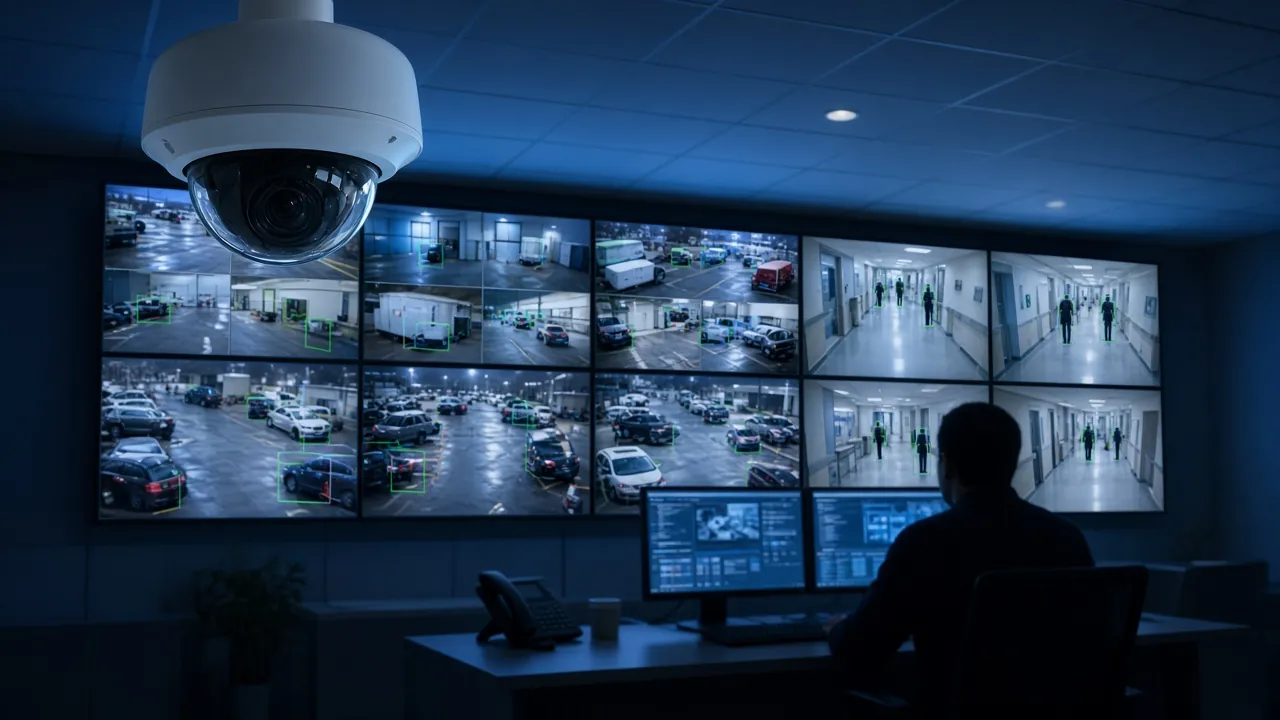
Intrusion panels and VMS platforms can produce large volumes of events. An AI workflow can group related events, highlight those that match defined priority rules, and produce plain-language summaries for an operator to review, so attention goes to what matters instead of scrolling through raw logs.
Access Exception Reports
Access control systems log every badge swipe, denial, door held open, and door forced event. AI can compile daily or weekly exception reports, such as repeated denials, after-hours access, or credentials used at unusual locations, and present them in a readable format for security or HR review.
After-Hours Escalation Routing
When an event occurs outside business hours, the right person needs to know quickly. AI-assisted routing can apply your escalation rules to an incoming event, prepare a concise summary, and direct it to the appropriate on-call contact, with a record of who was notified and when.
Incident Report Drafting
Writing incident reports takes time. AI can draft a first version from event logs, access records, operator notes, and intercom call details, giving your team a structured starting point to review, correct, and approve.
Video Search Assist
Finding the right footage often means knowing which cameras, time windows, and events to check. An AI assistant can help narrow the search by correlating access events, alarms, and VMS metadata, pointing investigators to the most relevant clips in your existing VMS.
Maintenance and Health Alerts
Offline cameras, failing storage, panel trouble conditions, and unresponsive readers can go unnoticed until footage or access is needed. AI can summarize device health data into prioritized maintenance alerts so issues can be addressed before they become gaps. This complements BTI’s GlobalView physical security support services.
Compliance Logs
Many organizations must show who accessed what, when, and why. AI can help assemble access reviews, event histories, and incident documentation into organized logs that support audits and internal reviews. AI governance supports compliance work through defined controls and evidence, but it is not by itself a certification or a substitute for evaluating the requirements that apply to you.
Governance and Human-in-the-Loop
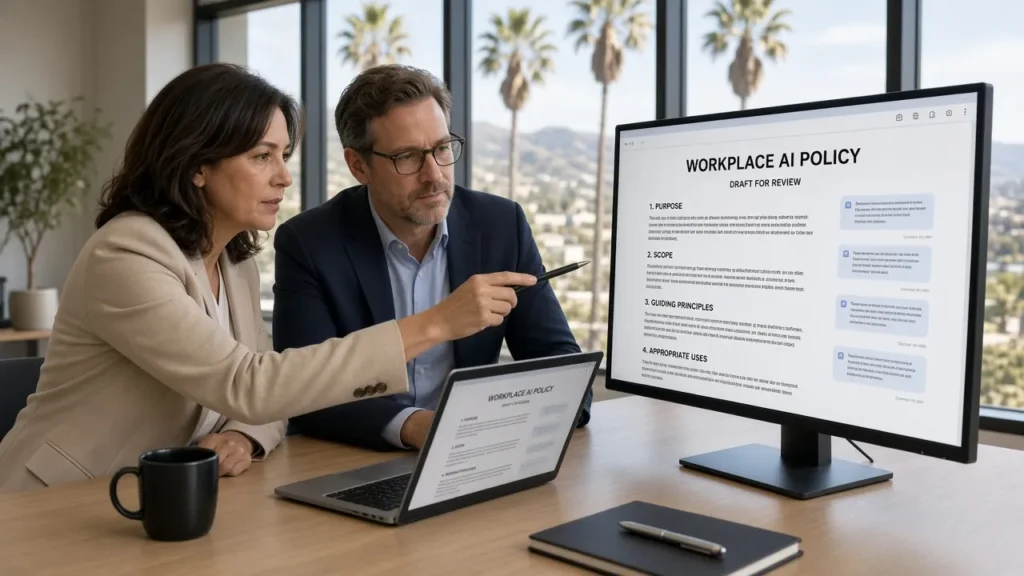
AI in a security context should assist people, not replace their judgment. Every BTI AI enablement design starts with clear rules about what the AI may do on its own and what requires human review.
- AI summarizes and recommends; people decide. Triage, escalation suggestions, and report drafts are reviewed by an operator or manager before action is taken or a record is finalized.
- No unsupervised control of life-safety functions. Workflows are designed so AI does not lock or unlock doors, arm or disarm systems, or alter security configurations without explicit, approved human action.
- Approved sources only. The AI works from defined, approved data sources, which reduces the risk of answers based on unvetted information.
- Auditability. Workflow activity, approvals, and changes are logged so you can review how the AI was used.
- Defined ownership. Each workflow has a named business owner and a support owner, with documentation and user training.
What Data Stays Where
Clarity about data location is one of the most common questions we hear. While every design is documented for the specific solution, the general model looks like this:
- Video footage stays in your VMS. Recorded video remains in your existing storage. Workflows typically use event data and metadata, and any use of images or clips is scoped and documented for the specific use case.
- Access, alarm, and intercom records stay in their source systems. Integrations retrieve only the fields a workflow needs.
- AI processing happens in your Azure tenant. The workspace, workflows, and outputs reside in your tenant-isolated environment under your governance.
- Model calls follow documented terms. Zero data retention applies to approved model calls, and no-training terms are confirmed for approved providers.
- Workspace content, business records, and audit evidence follow your retention rules. These are set separately so you keep what you need for operations and compliance.
A Phased Approach: Assess, Connect, Pilot, Scale
AI enablement works best when it’s introduced deliberately. BTI follows four phases:
1. Assess
We review your current video, access control, alarm, and intercom systems, including versions, integration options, network and server environment, and support status. We also identify which workflows consume the most staff time and which data is involved. The outcome is a prioritized list of candidate workflows and any infrastructure or security gaps to address first.
2. Connect
BTI establishes the Azure tenant workspace and governance, then builds secure connections to the selected systems using BTI agents and/or webhooks, applying least-privilege access, managed remote access, and endpoint protection.
3. Pilot One Workflow
Rather than launching everything at once, we pilot a single high-value workflow, such as alarm triage summaries or access exception reports, with a defined group of users and clear acceptance criteria. Feedback from the pilot shapes prompts, rules, and review steps.
4. Scale
Once the pilot meets its criteria, we extend to additional workflows, sites, or systems, with documentation, training, and ongoing support. Because the AI layer is model-agnostic and built around your existing systems, it can evolve as your needs change.
Local Expertise Across California, Arizona, and Illinois
BTI is a licensed alarm company operator (ACO) in California, Arizona, and Illinois, with offices in Santa Fe Springs, CA (562-298-5000), Downers Grove, IL (312-432-5300), and Phoenix, AZ (602-733-6807). Learn more about our local services in Los Angeles physical security solutions, Chicagoland physical security solutions, and Phoenix and Tucson area physical security solutions.
Frequently Asked Questions
Do we need to replace our cameras or access control system to use AI?
No. AI enablement is designed to work with your existing VMS, access control, alarm, and intercom systems. BTI connects to them using BTI agents and/or webhooks. If an assessment finds that a system can’t support a workflow or is a security risk, we’ll tell you and discuss options.
Where does the AI run, and who controls it?
The AI workspace is Azure-hosted and tenant-isolated within your own Microsoft tenant, configured and supported by BTI. Access, approved data sources, and retention arrangements are defined and documented as part of the solution’s governance.
Will our security data be used to train AI models?
No-training requirements are documented and confirmed for the approved providers, models, and data paths in your solution. Zero data retention applies to approved model calls, while workspace content, business records, and audit evidence follow separately documented retention rules.
Can the AI unlock doors or disarm alarms on its own?
Workflows are designed with human-in-the-loop controls. AI summarizes, drafts, and recommends; people review and take action. Control of life-safety and security functions stays with authorized staff.
How do we get started?
Start with an AI enablement assessment. BTI reviews your systems and workflows, recommends a first pilot, and outlines the integration and governance plan before anything is connected.
Take the Next Step
Your security systems already hold the information your team needs. AI enablement helps put it to work through governed, secure workflows that run in your own Microsoft tenant, without replacing what you’ve built.
Request an AI enablement assessment for your security systems, or connect with a BTI business advisor experienced in your use case. You can also call us at 800-435-7284.