Documented design
Define the operating requirements, infrastructure and acceptance checks before choosing the equipment or licenses.
Over 40 Years in BusinessISO 27001 compliantPublic sector: GSA contract holder
Chicagoland 312-432-5300 · Also in Los Angeles & Phoenix · Nationwide multi-site support · Client Support

Chicago, served from our Downers Grove office
Chicago organizations get Microsoft 365 services from BTI, planned and supported from its Downers Grove office. Microsoft 365 should make work easier without leaving identity, email, devices and business records in separate support queues. BTI plans migrations, improves access controls and supports the environment after launch. Start with the business problem, then choose the licenses, configuration and ongoing responsibilities that solve it.
Sales inquiries get a reply from a BTI engineer within one business day. Managed support clients reach the team in real time by phone, and client emails get a reply within 15 minutes. Never send passwords, alarm codes, license keys or other credentials through the public form.
Prefer to talk? Call 312-492-2613.



GSA contract holder (47QTCA21D00BA). ISNetworld member. ISO 27001 compliant governance, independently reviewed through the TAG ISO 27001 Compliance Program.
Real BTI clients
These are BTI client reviews, not claims of projects in this service area.
BTI consistently solves IT challenges that our staff doesn't have the skill or time for. Their installation team is excellent and their support always makes sure all of our issues are solved.
BTI has been exactly what our growing company has needed for so long! They provide friendly, professional service and have consistently been willing to go above and beyond to ensure our complete satisfaction.
The entire team at BTI has exceeded my expectations. They took my company to the technology and security level I needed.
BTI Communications Group, LTD. plans, migrates, secures and supports Microsoft 365 tenants: licensing reviews, mailbox and file migrations, Teams and Teams Phone, identity and device management, and backup. BTI is a Microsoft Partner, and the engineers who run the migration stay on as the support team, with a 24/7 NOC/SOC watching the security alerts that matter after go-live.
A Microsoft subscription is not the same as an implemented operating environment. Microsoft 365 combines email, files, collaboration and selected security tools, while Azure supplies cloud infrastructure and related services. What you can use depends on the licenses and configuration. BTI connects those decisions to the way employees join, work, change roles and leave. Your internal IT team can retain its role through a co-managed arrangement, or an agreed managed scope can assign more day-to-day responsibility to BTI.
Explore the Chicago technology and security hub and national Microsoft services for the wider scope.
From engineering to continuing service
Define the operating requirements, infrastructure and acceptance checks before choosing the equipment or licenses.
Review equipment, labor, licensing, assumptions and exclusions together. Compare the complete scope rather than a headline price.
Test the agreed workflows, train your operators and document the configuration and escalation route.
The services below are selected and itemized after discovery. Product access, implementation and continuing operation are separate decisions.
Move email, calendars and business files through a tested migration plan. Inventory aliases, shared mailboxes, application connections, retention requirements and permissions before choosing a cutover window.
Connect identity, multifactor authentication and device enrollment. Conditional access and device policies need exceptions for legitimate work and a safe recovery path for administrators.
Review calling, number porting, emergency-location information, room equipment and network quality together. Teams chat and meetings do not automatically include the phone services your organization needs.
Select appropriate security and information-governance capabilities after confirming licensing. Distinguish service availability, retention policies and independently recoverable backups instead of treating them as the same protection.
Review overshared files and administrative permissions before expanding AI access. Size Azure workloads and document backup, billing and operating responsibility before moving production systems.
Start with a business outcome and finish with tested operation, documentation and an accountable support owner.
List the trigger: an acquisition, lease move, email migration, security gap or licensing renewal. Identify who approves the work, which applications cannot stop and what a successful Monday morning must look like.
Inventory users, domains, administrators, devices, file stores and third-party applications. Check ownership and recovery access. Record existing retention and backup settings before changing policies or moving information.
Separate licensing from engineering and ongoing services. Agree migration waves, identity design, device policies, security controls and acceptance tests. Put exclusions, client tasks and escalation authority in writing.
Test representative users and difficult workflows first. Verify mail flow, mobile devices, shared files and application sign-in. Execute the agreed cutover with rollback decisions and staff communications ready.
Confirm that people can work and that administrators can restore access safely. Test a recovery example, document the new environment and teach staff the specific changes they will encounter.
Review service issues, privileged roles, license use and upcoming changes. Add managed or co-managed support as scoped. A later Copilot or Teams rollout should build on a stable identity and information foundation.
Choose the work needed now and the responsibilities that should continue afterward. A proposal should not use a broad service label to hide missing tasks.
A new tenant, office or device fleet starts with domain ownership and administrator recovery, not just creating user accounts. We plan email, shared files, device enrollment and the network requirements for Teams. The project includes agreed validation and a documented handoff so your organization knows what has been configured.
Email delivery failures, repeated sign-in prompts and broken sharing can have different causes. Troubleshooting follows the affected user, device and application rather than making broad policy changes to make one error disappear. Record the symptom, time, recent change and business impact so the correct service owner can investigate.
Ongoing work can include license reviews, device-policy changes, security settings and service-health review. It also means removing departed users correctly and reviewing accounts with elevated privileges. The proposal names the activities and cadence selected; a license purchase alone does not include every maintenance task.
Users need a clear route for help while administrators need an escalation path for tenant-wide changes. Managed and co-managed support can divide those responsibilities between BTI and your staff. Support response is different from restoration time, and the agreement identifies the systems and hours covered.
An upgrade may be a license change, a device-management rollout or replacing unsupported infrastructure. Compare the requirement with the features already owned before purchasing more. We plan pilot users, compatibility checks and training so a security improvement does not unexpectedly interrupt the business.
Confirm that your organization controls its domain, tenant and billing records. Inventory partner relationships, recovery methods and delegated administrator access before removing the outgoing provider. Review backups, subscriptions and documentation together, then sequence the handoff so support continues while authority changes.
Monitoring can cover Microsoft service health and selected security or device alerts when contracted. Detection does not automatically authorize every remediation. Agree which alerts BTI investigates, who can approve disruptive actions and where the evidence of follow-up is kept.
License management, onboarding, role changes and policy exceptions should follow an accountable process. Choose fully managed or co-managed responsibility by task rather than by an ambiguous label. Periodic reviews connect technical changes to cost, business continuity and the next operating priority.
Ask the project team to document tenant and domain ownership, administrator recovery, the selected identity policies, device enrollment, mail flow and shared-data locations. Identify any application that sends mail or uses a service account. The client should know which records are maintained and how authorized administrators receive them securely.
For acceptance, test representative sign-in, a shared-mailbox workflow, an approved file share and the selected recovery method. Confirm what happens when a user changes roles or leaves. If Teams calling is included, add call routing and number-transition tests rather than treating it as an email-migration accessory.
The recurring responsibility matrix should distinguish user help, tenant configuration, licensing, security investigation and application-vendor escalation. A monthly service label does not answer those questions by itself. If two providers remain involved, name the person who can authorize a tenant-wide change and the team that checks the outcome.
| Area | What we review | What you get |
|---|---|---|
| Tenant and licensing | Current licenses, unused seats, admin roles and who owns the tenant | A license and admin owner list |
| Identity and devices | Entra ID sign in, multifactor authentication and Intune enrollment | A device and sign in plan for every user |
| Email and files | Mailboxes, shared mailboxes, SharePoint, OneDrive and file share permissions | A migration map with owners for each shared resource |
| Security and backup | Defender, Purview and backup coverage for mail and files | A list of gaps ranked by risk and effort |
| Teams and calling | Teams use, Teams Phone needs and meeting rooms | A collaboration and calling scope |
| Copilot and AI readiness | Data permissions that would be exposed to Copilot | A permissions cleanup list before any AI rollout |
| Task | Before | After |
|---|---|---|
| Adding and removing users | Often whoever set up the tenant | A named owner with a written procedure |
| Device enrollment | Manual or inconsistent | Intune enrollment for company devices |
| File permissions | Inherited and unclear | Mapped to groups with owners |
| Security alerts | Unwatched | Routed to your team or BTI managed support |
Choose a migration project when the immediate need has a defined endpoint. Choose co-managed Microsoft support when internal IT wants specialist capacity without giving up ownership. Choose a broader managed scope when the business needs ongoing administration as well as user support. Copilot is a separate readiness decision, not a substitute for fixing file permissions.
The quote depends on users, devices, source systems, data volume, identity complexity, phone requirements and the support scope. Ask for one-time engineering, recurring licenses, third-party charges and ongoing management as separate lines. Cheap licenses do not settle migration risk, backup coverage or who will resolve an application problem.
Ask about 3.99% financing and the terms that apply to your proposal. Request an itemized scope so equipment, implementation and ongoing services can be compared clearly.
BTI offers 100% financing for parts, labor and licensing at 3.99% for five years.
This broader IT provider guide helps evaluate the support behind a growing Microsoft 365 environment. It is not a Microsoft product tutorial.
Download the executive IT provider guide to prepare questions and scope before your assessment.
Published BTI educational material. Product availability, service terms and your written proposal govern the selected scope.
Download the 2026 executive guide to managed IT and cybersecurity (PDF)

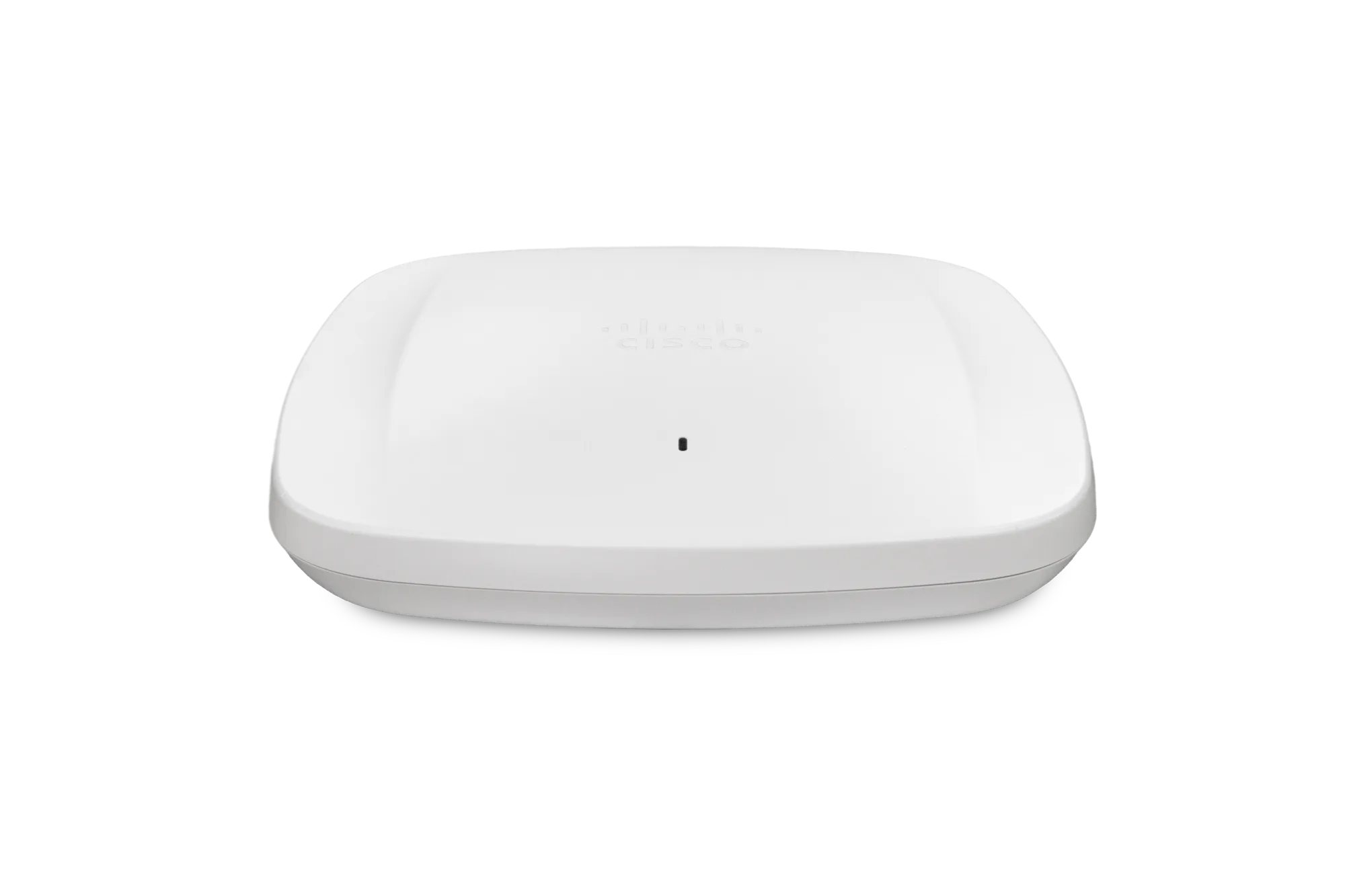
Teams calls and meetings depend on wireless and switching that are sized for real-time traffic.
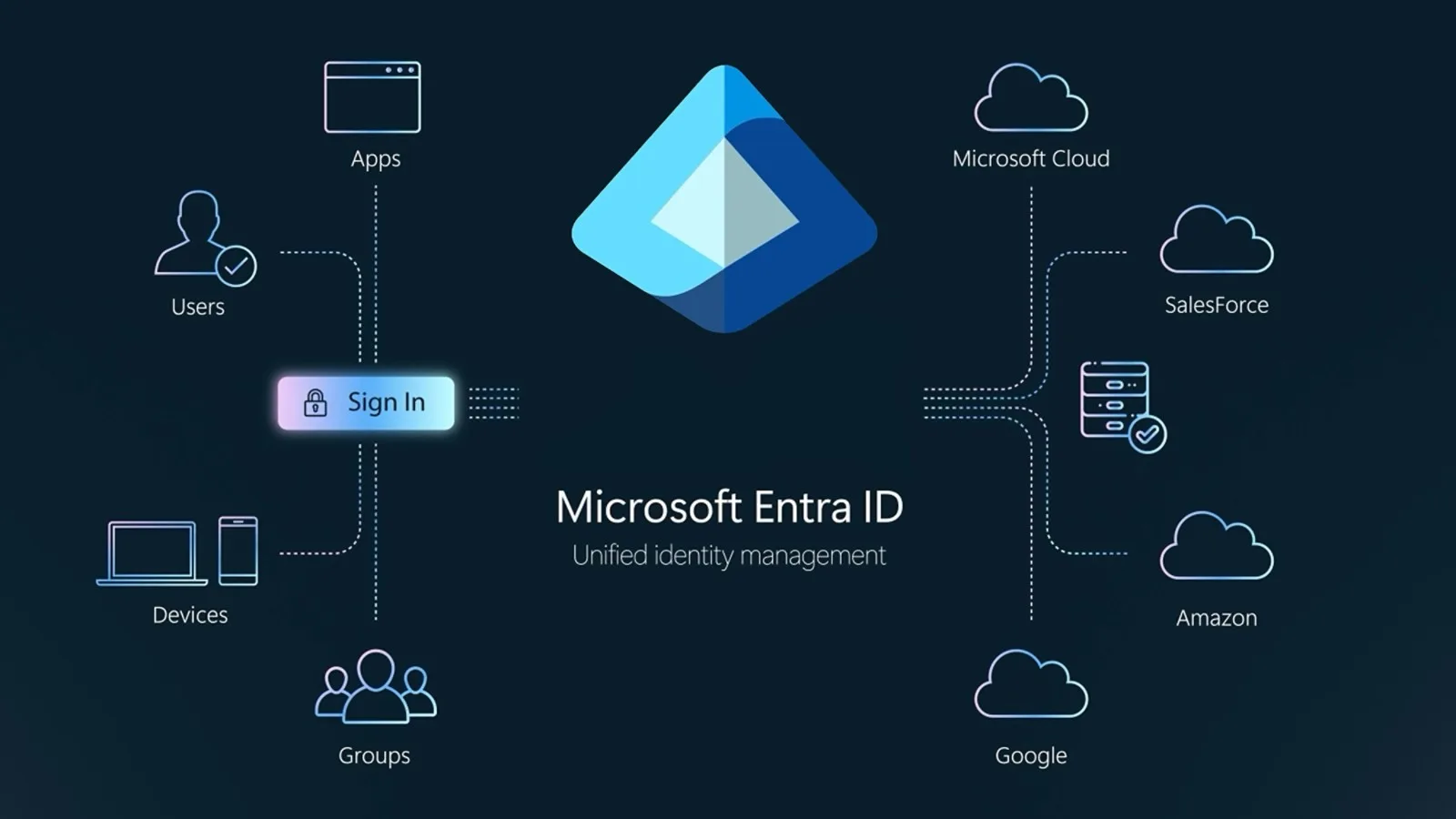
Conditional access, device rules and the firewall policy are reviewed together, not in isolation.
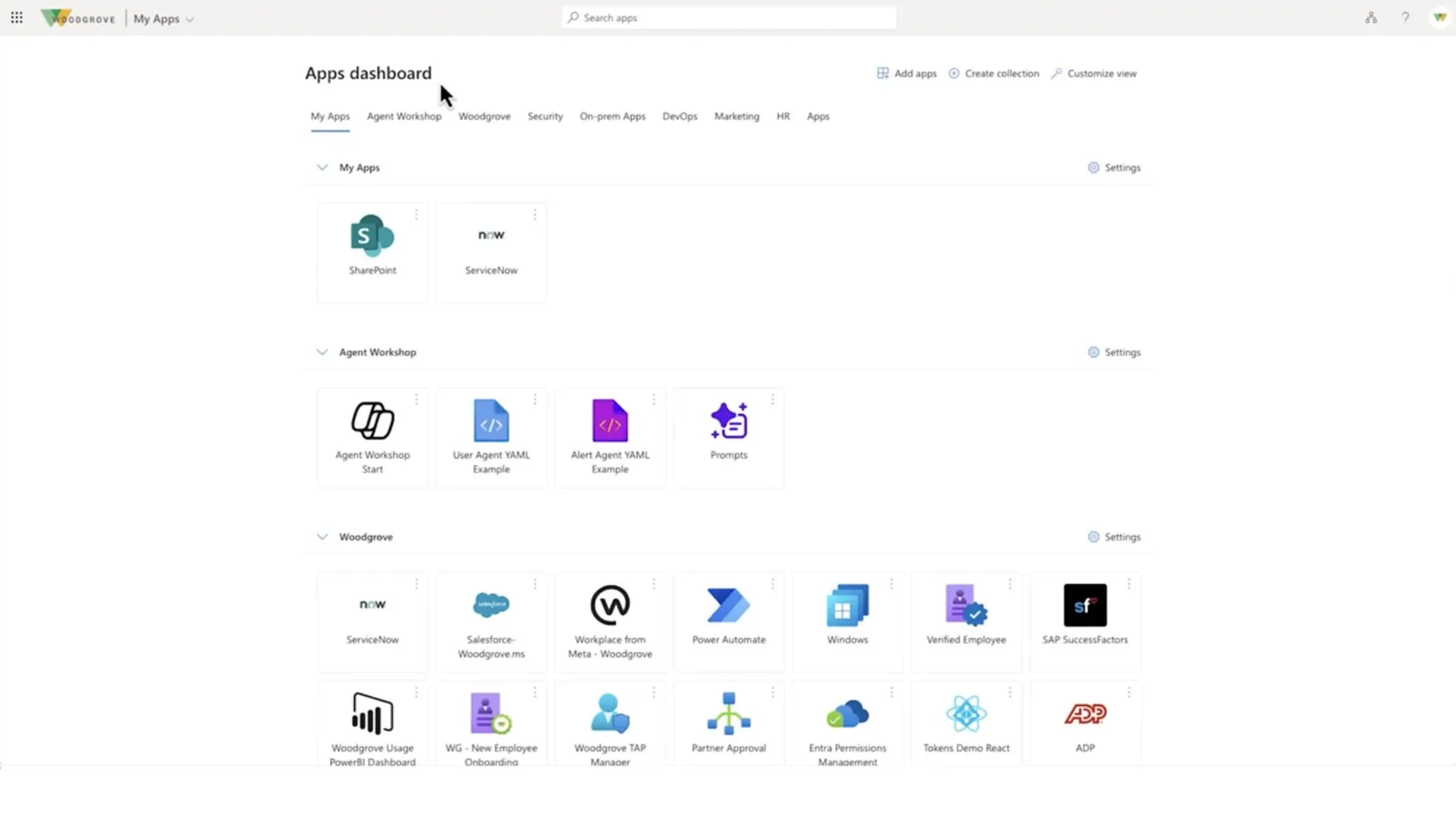
Ongoing administration, user changes and license cleanup handled by the same support team.
Product images are manufacturer or BTI field photos. The exact models are itemized in your proposal.
Picture a Chicago engineering firm with its main office in the West Loop, a fabrication partner near the Stevenson corridor and a new team picked up through a small acquisition. The acquired team brought its own Microsoft 365 tenant, its own domain and a habit of sharing files through personal links. Leadership wants one directory, one way to share drawings and a clear bill. This scenario is illustrative, not a claimed BTI project.
Map both tenants before choosing a migration method. List the users, shared mailboxes, Teams, SharePoint sites, domains, licenses and any applications that sign in with Microsoft accounts. Identify which files must keep their history and which can be archived. Confirm who owns each billing account and whether either tenant has a provider relationship that must be ended.
Plan identity first: decide the target naming standard, how acquired staff will sign in on the first day and how outside fabricators will receive guest access. Pilot the migration with one project team, including a large drawing set and a shared calendar. Cut over in waves, keep a rollback point for mail flow and remove the old tenant only after the retained records and licenses have been confirmed.
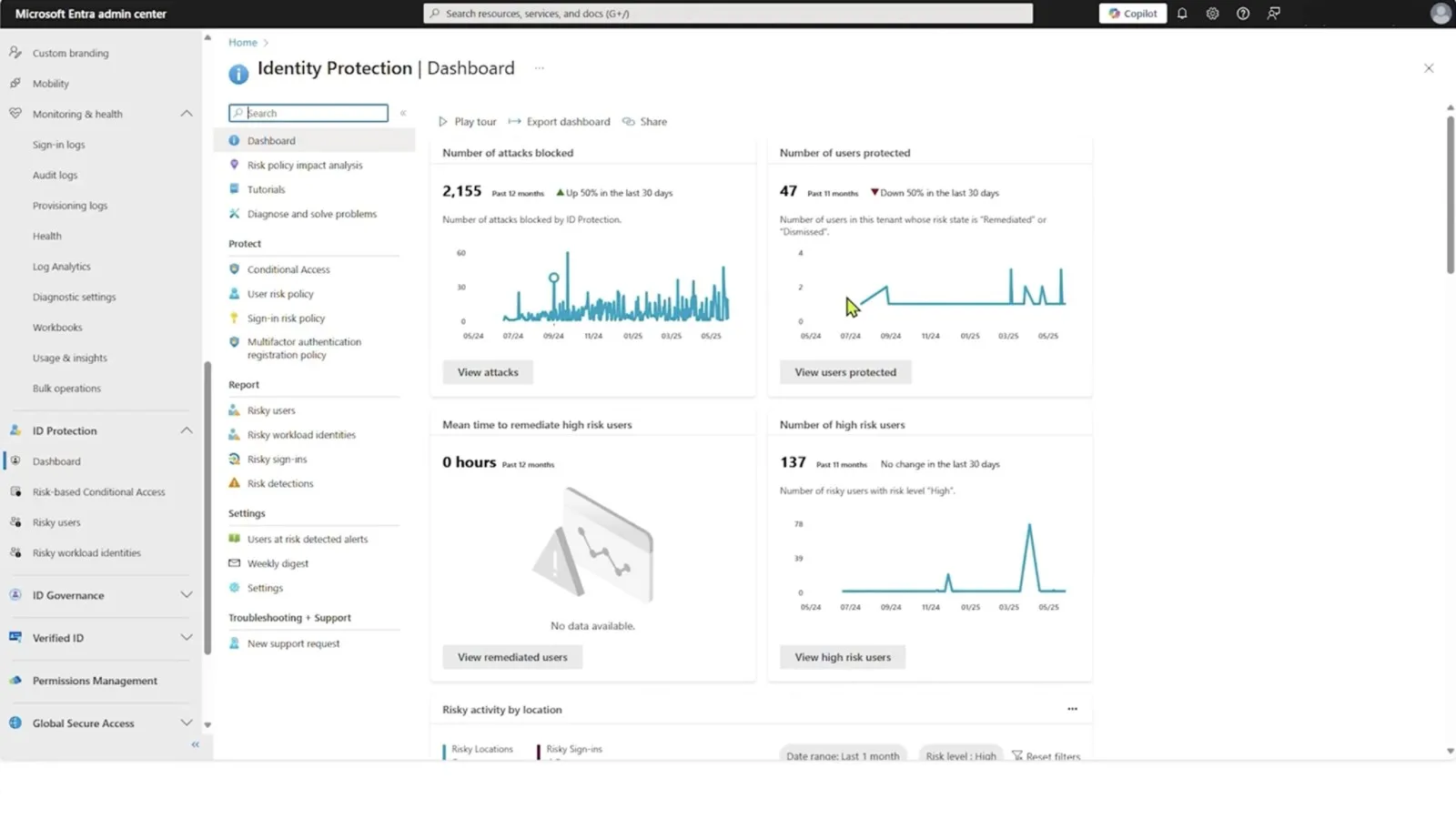
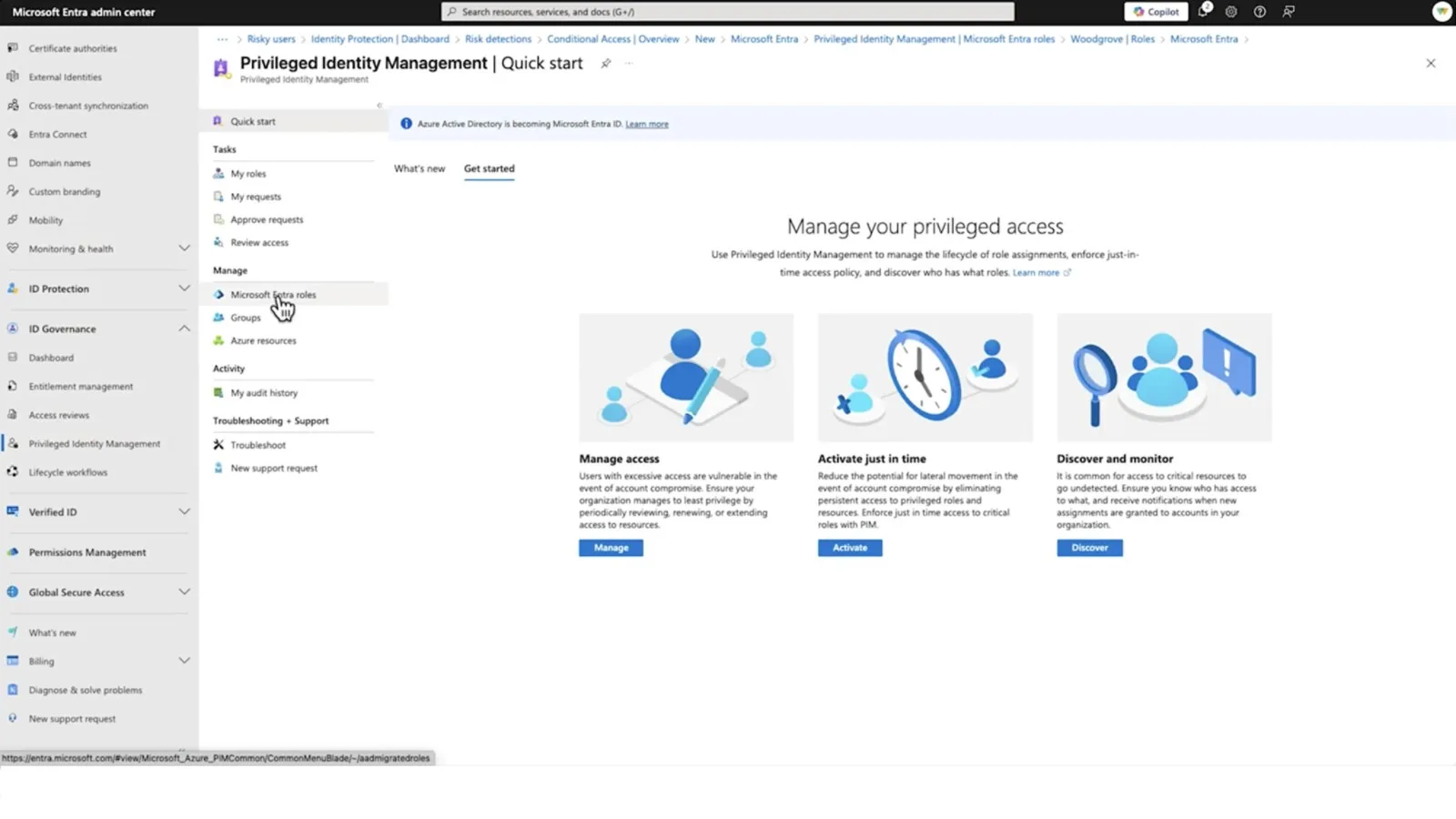
Choose a Microsoft 365 partner by the decisions it will document. A useful proposal explains which licenses are needed, who approves changes and how identity, recovery and user support continue after setup.
For a Chicago organization spread across a Loop office and suburban operations, one tenant can serve everyone if groups, devices and sharing rules reflect how each site works. The acceptance test for a West Loop design firm might follow a drawing from an engineer to an outside fabricator and then expire the guest. For a Near South Side nonprofit, it might follow a volunteer coordinator from first sign-in to a shared calendar without any shared passwords.
Compare scope, not only rate. Ask whether Teams Phone, device enrollment, backup and security monitoring are included or separate. Ask how license changes are reconciled each month and who answers a locked-out executive at seven in the morning. A flat price that excludes these duties may cost more in practice.
Professional services firms in the Loop and River North need secure external sharing, Teams meetings and fast onboarding. Manufacturers and food processors on the South and West Sides need shift access, shared workstations and supplier collaboration. Logistics operations near O'Hare and Midway need dispatch mailboxes and mobile access for drivers and yard staff. Healthcare practices need scheduling and role-based access. Nonprofits and religious organizations need donated or discounted licensing to be tracked carefully. Each pattern changes group design, licensing and retention, so the plan follows real workflows rather than a single standard build.
Related industry services: - Medical groups and medical offices - Distribution and logistics - Manufacturing security requirements
Related industry security: Medical-office security, Manufacturing security and Logistics security. These links describe connected physical-security considerations, not services automatically bundled into this proposal.
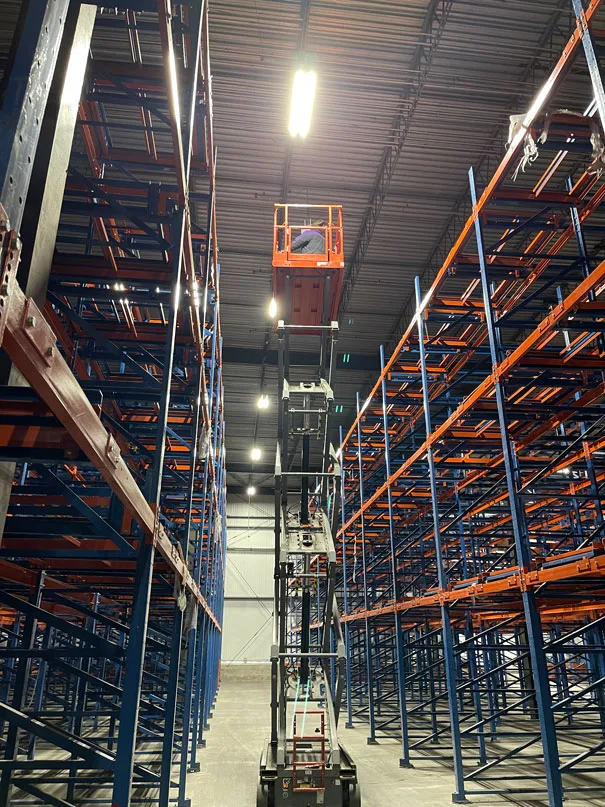
Docks, yards, high bays and shift changes shape the design and the support plan.
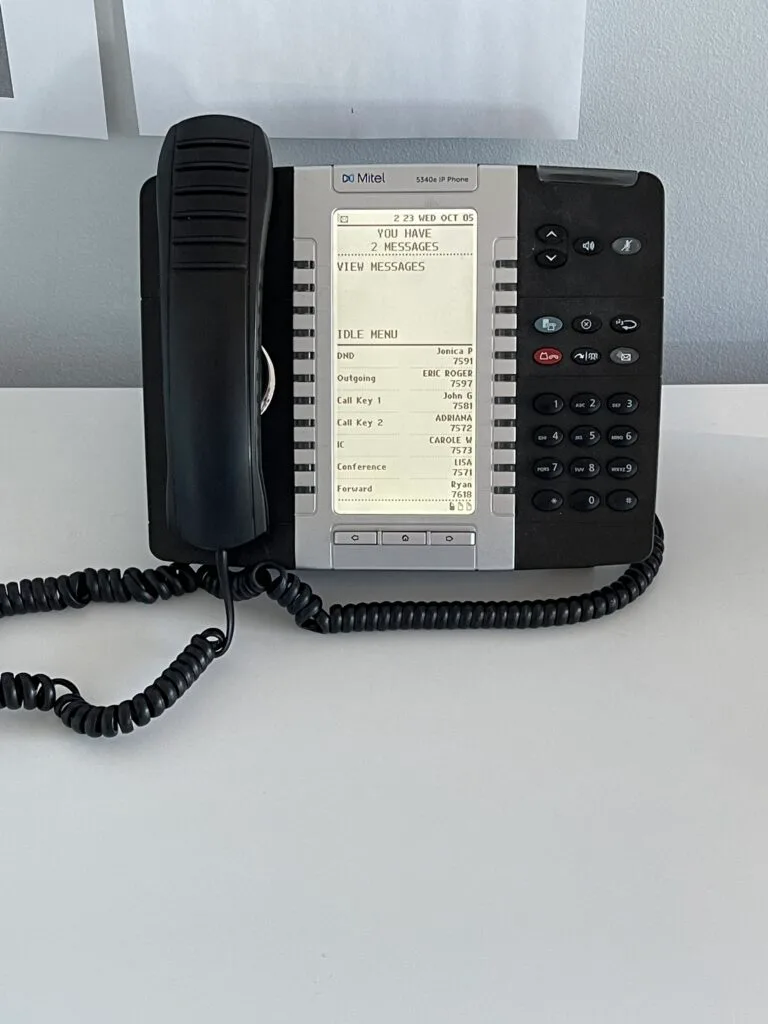
Procurement records, documentation and controlled access are planned from the start.

Clinical schedules, patient areas and restricted rooms set the installation windows.
BTI serves Chicago and Chicagoland from its office at 1441 Branding Ave, Suite 200, in Downers Grove. Service planning for this page covers the city of Chicago, including the Loop, River North, the West Loop and Fulton Market, the Near South Side, the South and West Side industrial corridors and facilities near O'Hare and Midway. DuPage County and Northwest Suburbs addresses are planned through those regional pages. Bring every site address and operating window so the proposal can separate remote work, planned visits and carrier or specialist responsibilities. Proximity to the office is not a blanket arrival-time guarantee, and remote support response is not restoration or field arrival.
Calls are taken in real time. Client emails get a response within 15 minutes. Sales inquiries receive a response within one business day. These are response standards, not a promise of immediate repair, carrier restoration or engineer arrival at every site.
The service agreement defines the covered systems, escalation authority and work selected. For a project, agree cutover coverage and post-handoff responsibilities. For ongoing service, identify who handles users, configuration changes and outside vendors. Keep support requests on the established client route; the consultation form is for the next sales conversation.
1441 Branding Ave, Suite 200, Downers Grove, IL 60515
Microsoft 365 line: 312-492-2613
Projects are scheduled at your site or delivered remotely.
BTI Communications Group, LTD. serves Chicago and the surrounding suburbs. Pick your area for local services.
Chicago and Chicagoland businesses.
Western suburb businesses, served from our Downers Grove office.
Schaumburg corridor and Cook County northwest suburb businesses, served from our Downers Grove office.
North Shore and Lake County businesses, served from our Downers Grove office.
Joliet, Bolingbrook, Romeoville and Plainfield businesses on the I-55 corridor, served from our Downers Grove office.
Aurora, Batavia, Geneva and St. Charles businesses along I-88, served from our Downers Grove office.
Hammond, Gary, Merrillville, Portage and Valparaiso businesses, served from our Downers Grove, Illinois office.
Bedford Park, McCook, Hodgkins, LaGrange and Franklin Park businesses, served from our Downers Grove office.
Crystal Lake, McHenry, Algonquin and Johnsburg businesses, served from our Downers Grove office.
Tinley Park, Chicago Heights, South Holland and Sauk Village businesses, served from our Downers Grove office.
Over 40 years of IT, security and communications work. Call 630-343-1322 for security or 312-492-2613 for IT, or book a free consultation.
Get a free consultationThe answers below describe planning and scope. Your site assessment and written proposal determine the work selected.
We plan migration waves and a cutover around the workflows that matter, but no migration should be sold as risk free. A pilot, clear communications and a rollback decision reduce avoidable disruption. The agreed schedule depends on source access, data and application dependencies.
No. A co-managed engagement can assign tenant design, migration or selected security work to BTI while your team handles daily tasks. The responsibility matrix should name the owner of onboarding, licensing, incidents and application support.
Do not assume they are. Retention, deleted-item recovery and a separate backup service solve different problems. Discovery checks what you own, the information that matters and the recovery tests needed for the selected solution.
Number portability must be checked with the current carrier and the selected calling service. Confirm billing records, emergency locations and any analog devices before scheduling a port. Do not cancel old service before the approved transition is complete.
Readiness starts with permissions, sharing and governance. Review what users can already access before enabling broader AI-assisted discovery. BTI can help scope that work, but a product license does not by itself fix overshared files.
Compare licensing, migration, tenant administration, user support, backup and security responsibilities separately. The right scope should reflect your applications, staff and existing IT resources.
BTI offers 100% financing for parts, labor and licensing at 3.99% for five years. Project-only, co-managed or fully managed scopes are evaluated for the actual system, and the proposal identifies ongoing responsibilities. Managed support calls are taken in real time, and client emails get a reply within 15 minutes.
Sales inquiries get a reply from a BTI engineer within one business day. Your first conversation confirms the site, the decision you need to make and whether a walk is needed.

Related BTI service for this area.
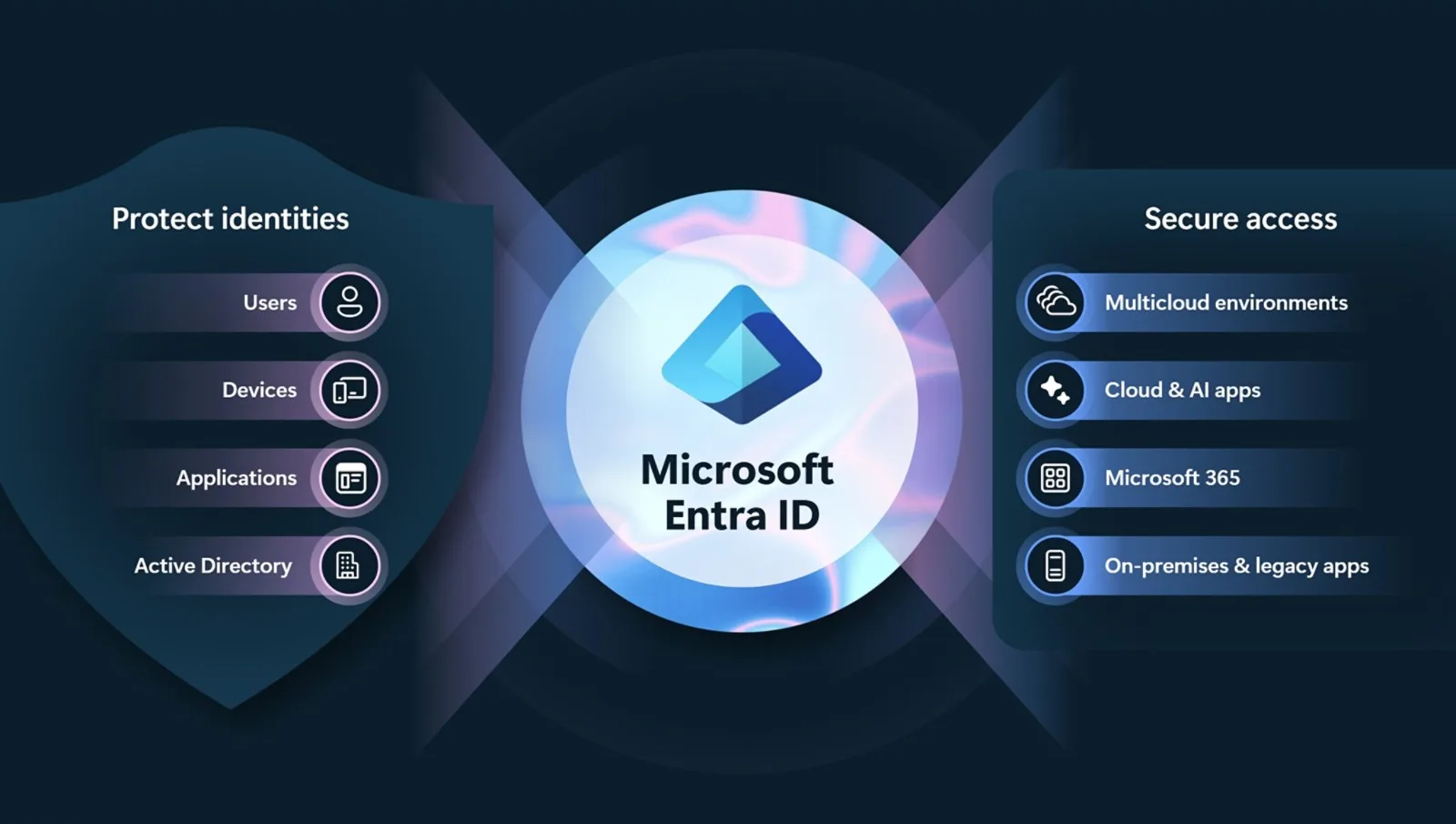
Related BTI service for this area.
Related BTI service for this area.
Your next step
Bring your current inventory, site plans and the problem you want solved. Review the design, itemized proposal, installation and support scope with BTI Communications Group, LTD.
100% financing for parts, labor and licensing at 3.99% for five years.
Use this form for a detailed scope. A BTI engineer replies within one business day.