What an apartment community should cover with cameras
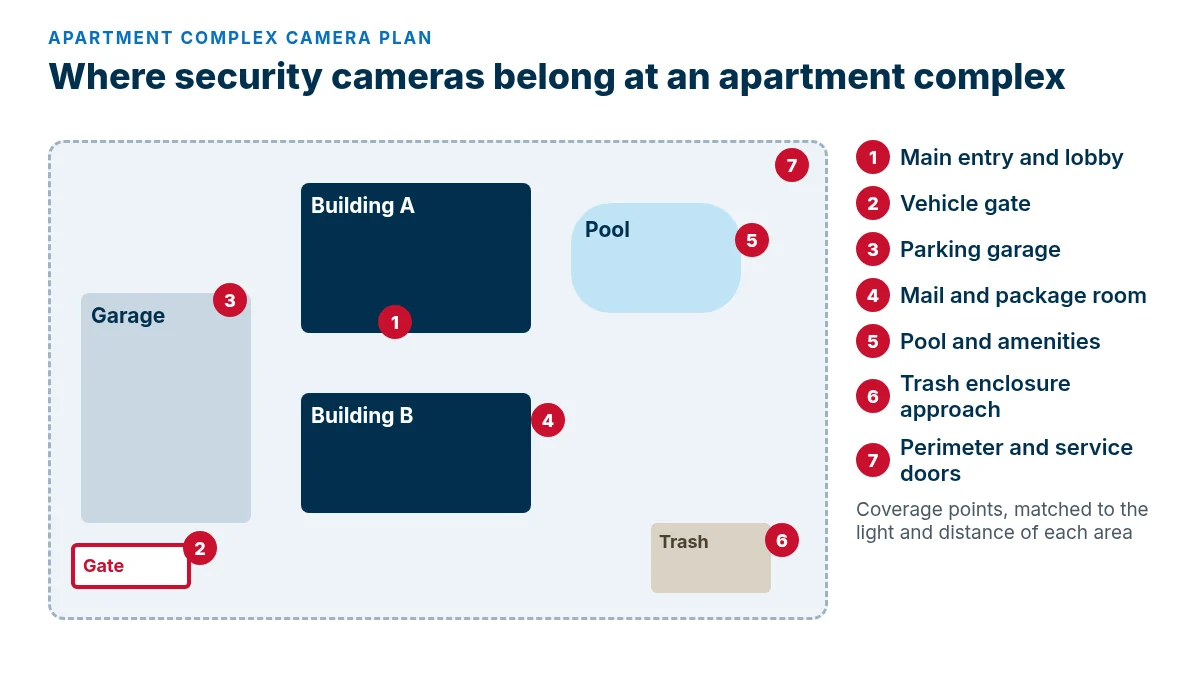
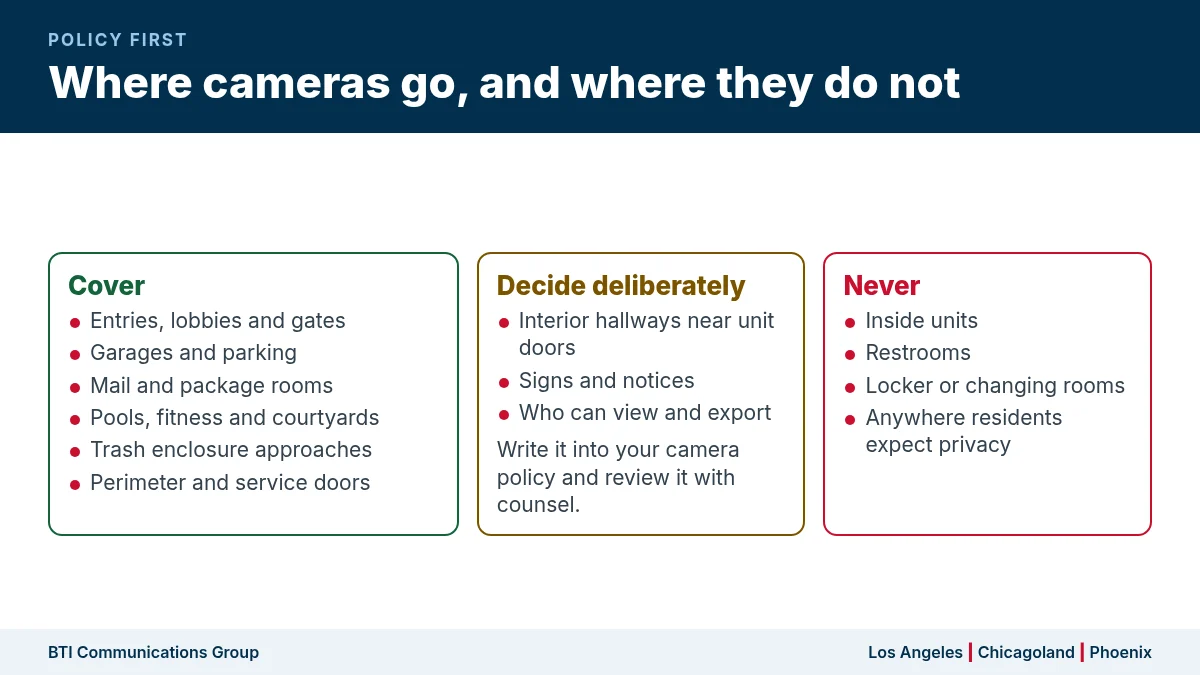
Start with the places where people, vehicles and packages enter and gather. Most apartment complexes need coverage at:
- Main entries and lobbies: a clear view of faces at the door and of the door station.
- Vehicle and pedestrian gates: people and vehicles entering and leaving.
- Parking garages and lots: drive lanes, ramps, entrances, and stair and elevator lobbies.
- Mail and package rooms: the door, the shelves or lockers and the approach.
- Amenities: pools, fitness rooms, clubhouses and courtyards.
- Trash enclosures: the exterior approach, to deter dumping and vandalism.
- Perimeter and back-of-house doors: service doors, alleys and fence lines.
Our page on common area security for apartment communities covers how these areas fit together with access control and optional live talk-down.
Where not to put a camera, and why policy comes first
Cameras belong in common areas. They do not belong anywhere residents have a reasonable expectation of privacy, such as inside units, restrooms, or locker and changing rooms. Some areas, like interior hallways near unit doors, call for a deliberate decision rather than a default.
Before installing, write down a camera policy that covers where cameras go, whether signs are posted, how long video is kept, who can view and export it and how requests are handled. Rules vary by state and city, so review the policy with your counsel. A written policy makes design decisions easier and helps staff answer resident questions consistently.
Camera types and lighting that suit each area
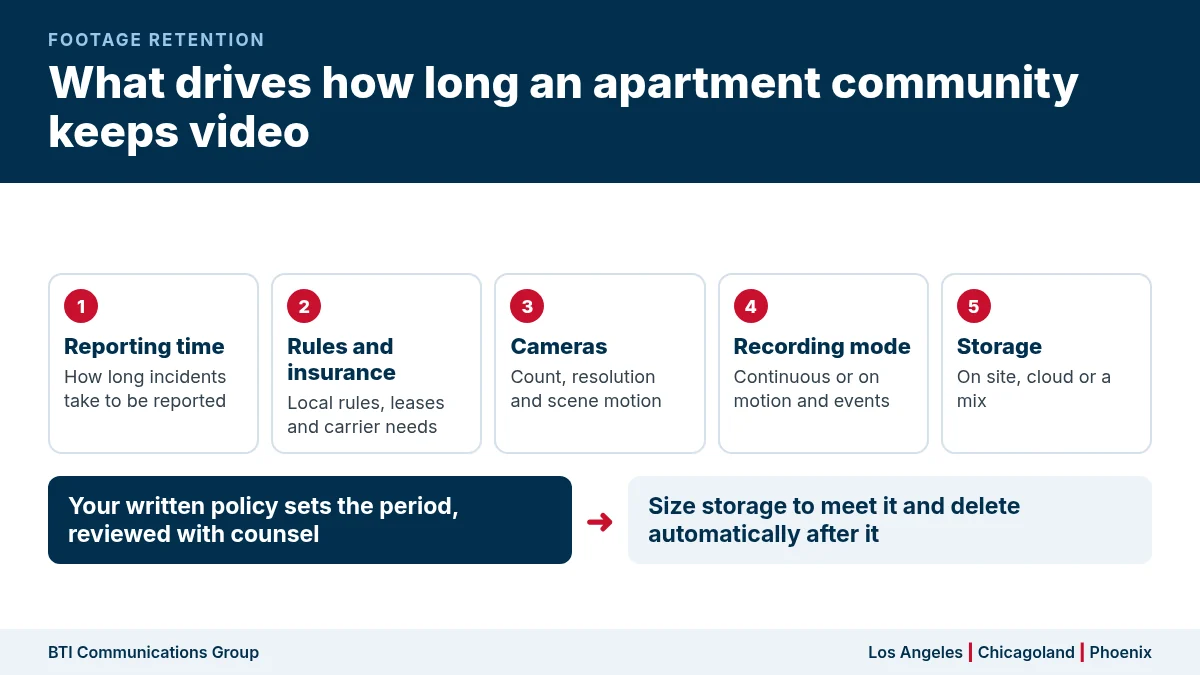
- Dome cameras suit lobbies, corridors, mail rooms and entries, where a compact, tamper resistant housing helps.
- Bullet cameras suit parking lots, perimeters and long drive lanes.
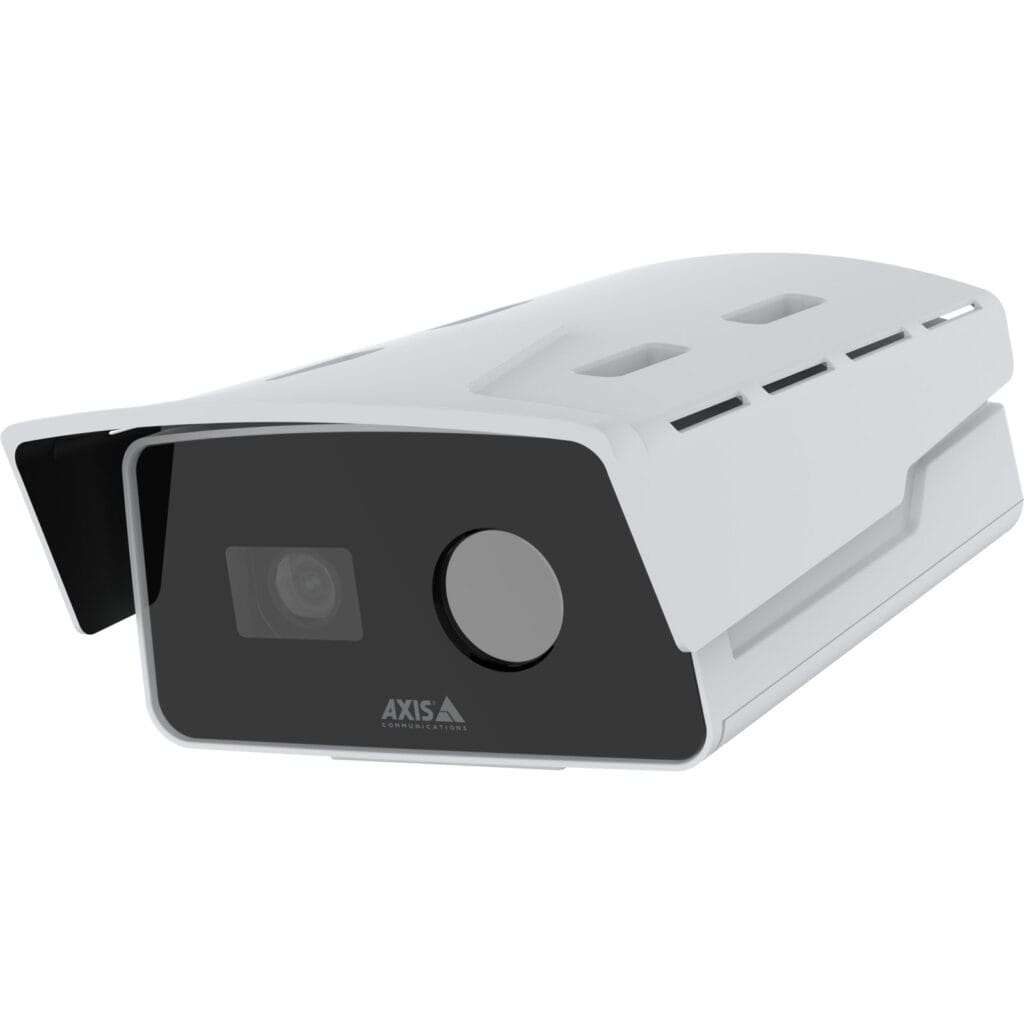
- Multisensor cameras can cover a wide courtyard, pool deck or garage intersection from one mounting point.
- Network speakers support live talk-down and announcements where that is part of the design.
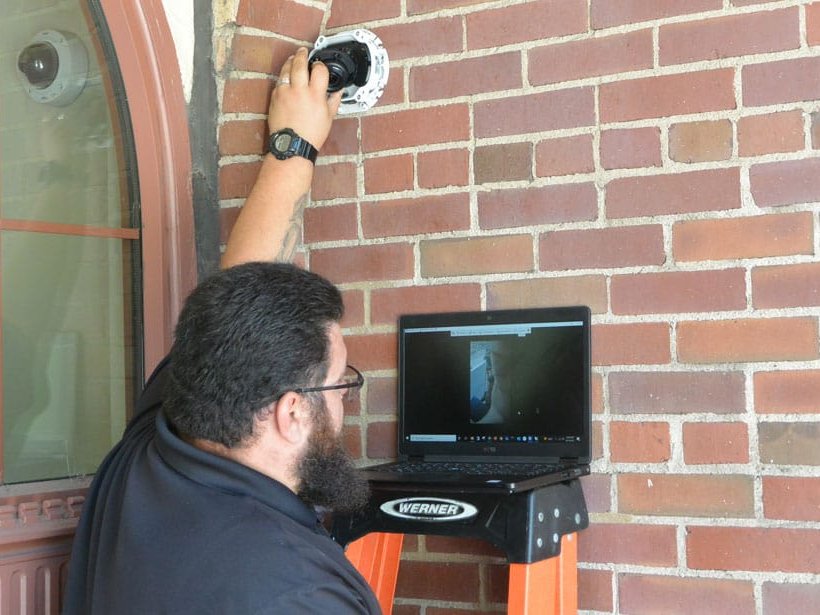
Lighting matters as much as the camera. Garages, back doors and pool decks change dramatically from day to night, so each camera should be matched to the light and distance of the scene it covers. Ask your integrator for sample day and night images before you approve the design.
How long to keep footage, and what drives storage
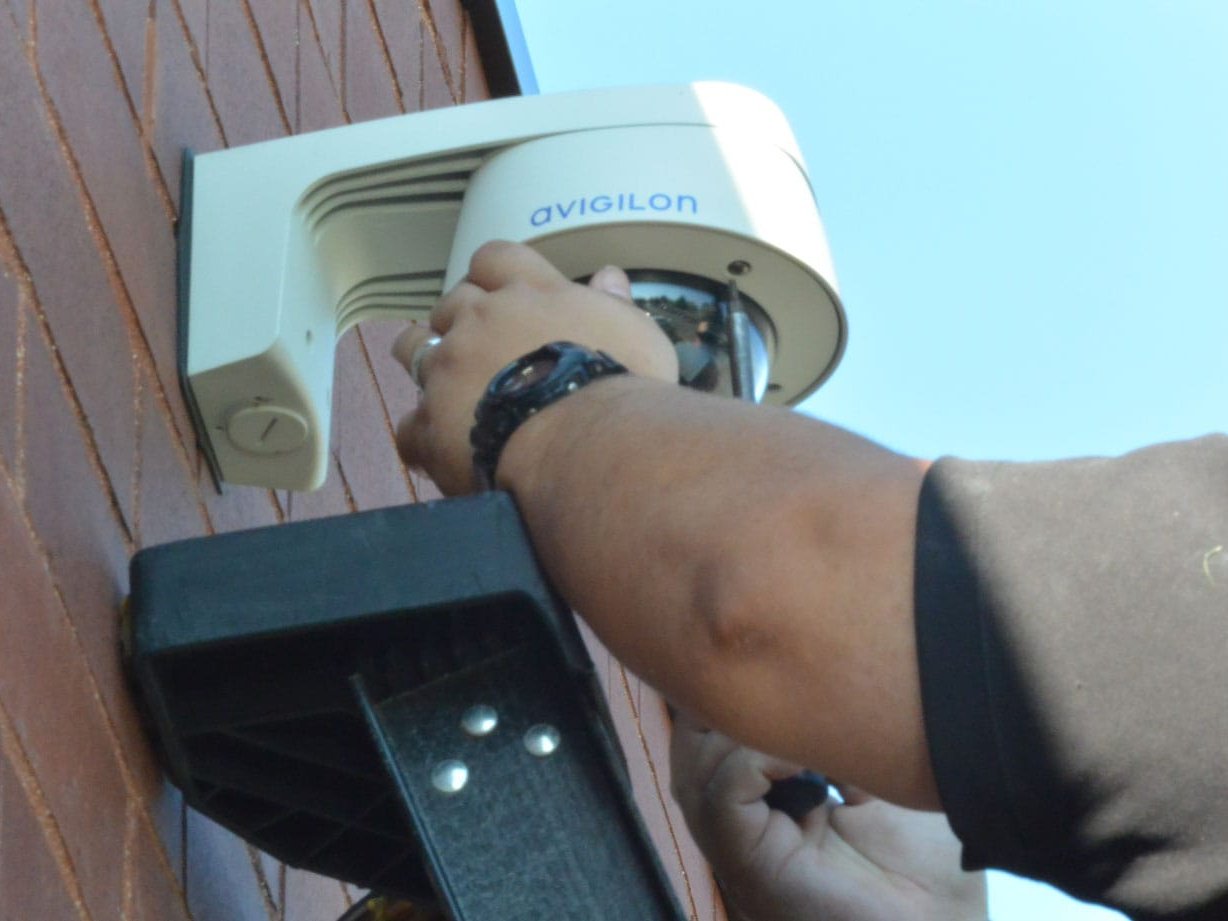
There is no single right retention period for every apartment community. It is a policy decision, made with your counsel and your insurance carrier in mind. The factors that drive it are practical:
- How long it typically takes residents or staff to report an incident.
- Any local rules, lease terms or insurance requirements that apply to you.
- The number of cameras, their resolution and how much motion each scene has.
- Whether video records continuously or only on motion and events.
- Whether storage is on site, in the cloud or a mix of both.
Once the period is set, size the system to meet it and set video to delete automatically when the period ends. Keeping footage longer than the policy says can create problems of its own.
Who watches, who exports, and how requests are handled
- Viewing: limit live and recorded viewing to the people who need it, by property and by role.
- Exporting: allow only a few people to export video, and log every export.
- Police requests: route them to a named person who follows your written process.
- Resident requests: decide in advance what you share and how, and review that approach with counsel.
- Monitoring: 24/7 system health and alert monitoring is available, plus a 24/7 converged security NOC/SOC. Live video verification and talk-down are available where designed.
Linking cameras to doors, intercoms and the package room
Cameras are most useful when they are tied to events. When cameras are linked with apartment access control systems, a forced door, a door held open or a credential used after hours can bring up the video from that door. Staff search by time, door and camera instead of scrolling through hours of footage. The same applies at the front entry, where the intercom call and the door release can be matched to video.
The package room is the clearest example. With a camera on the door, the shelves or lockers and the approach, plus access control on the room itself, staff can check who entered and when a package left. See package room security for how BTI designs it.
Alerts and video analytics
Video analytics can flag activity that needs a look, such as someone at the pool after hours, a person lingering near an entry or a vehicle stopped in a fire lane. Use analytics where they are lawful and approved under your policy, and tune them so staff get useful alerts rather than noise.
Reusing existing cameras and cabling versus replacing
Many properties already have cameras, and some of them work well. A site survey decides what stays. Existing cabling can often be reused if it is in good condition and suits the new cameras, and some newer cameras can be added to an existing recording system. Cameras with poor image quality, unsupported firmware or no security updates are usually the first to go, because they are both a coverage gap and a network risk.
Cloud recording versus on-site recording for a multi-property portfolio
| Consideration | On-site recording | Cloud or hybrid recording |
|---|---|---|
| Internet bandwidth | Lower upload needs | Needs enough upload bandwidth at each property |
| Access from anywhere | Through secure remote access | Built in, through a web dashboard |
| Hardware at the property | A recorder or server on site | Fewer on-site devices, sometimes a small gateway |
| Portfolio management | Property by property unless centrally managed | One dashboard across properties |
| Cost pattern | More upfront hardware | Ongoing subscriptions per camera or site |
Many operators use a hybrid: recording on site with cloud access and backup for key cameras. Either way, video adds traffic to the property network, so plan it with your managed network for apartment communities and keep cameras on their own secured network segment.
Local notes for Los Angeles, Chicagoland and Phoenix
- Los Angeles: podium garages, pool decks and mixed-use buildings with several entries need coverage planned around every entry point, not just the front door.
- Chicagoland: older courtyard buildings often have vestibules, rear alley doors, stairwells and basement areas that deserve attention. Include local notice and retention rules in your policy review.
- Phoenix: pools, amenity areas, gated entries and carports are common priorities. Outdoor cameras face intense sun and heat, so check each camera’s rated operating temperature.
How BTI designs and supports camera systems for apartment communities
BTI Communications Group has over 40 years in business, with offices in Chicagoland, Los Angeles and Phoenix. We design security cameras for apartment complex properties together with access control, intercoms and the network, so video is tied to the doors and events that matter. Our team walks the property, documents what can stay and gives you a written design and quote.
Explore common area security for apartment communities, or call the security line for your region:
- Southern California: 562-298-5070
- Chicagoland: 630-343-1322
- Phoenix and Tucson area: 480-291-8374
Get a camera design for your apartment community.