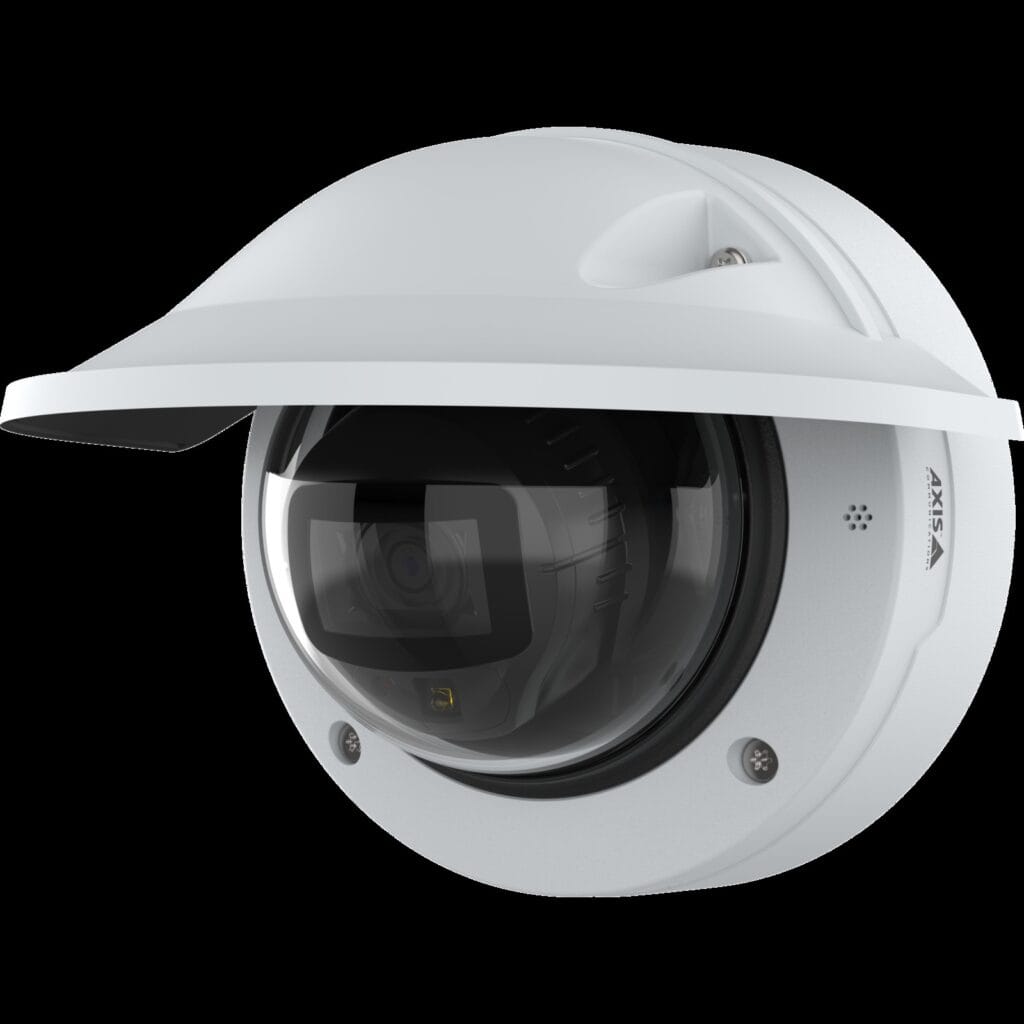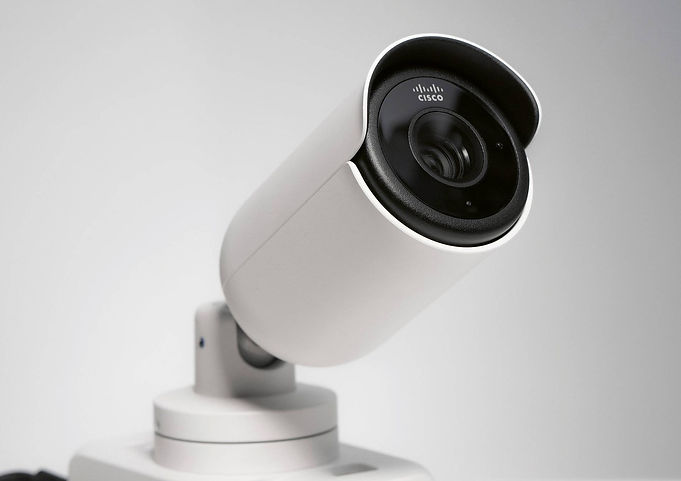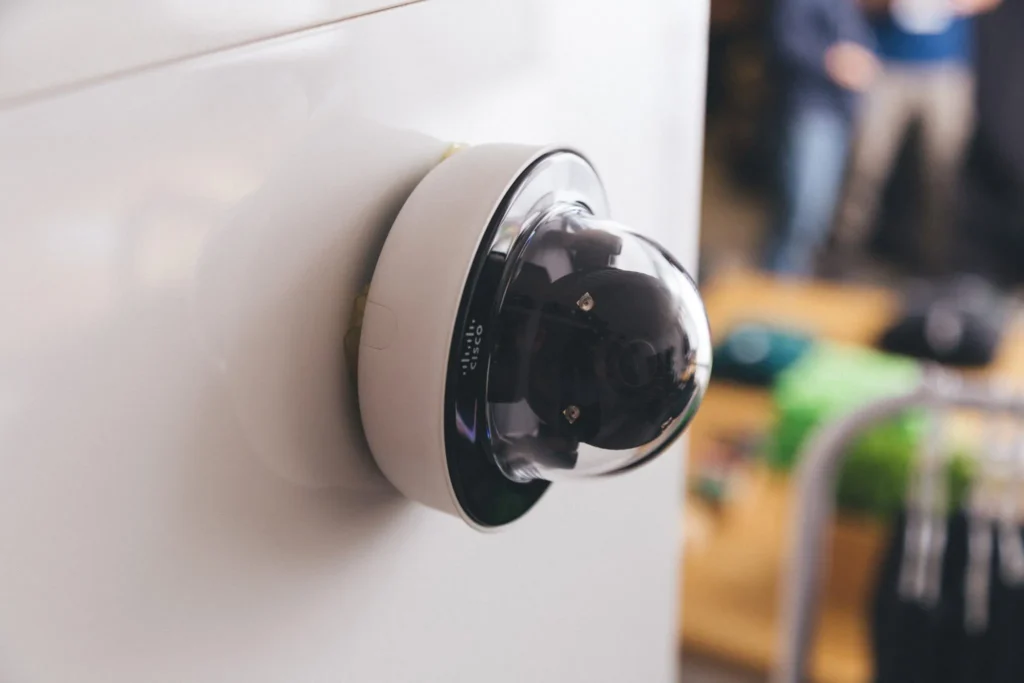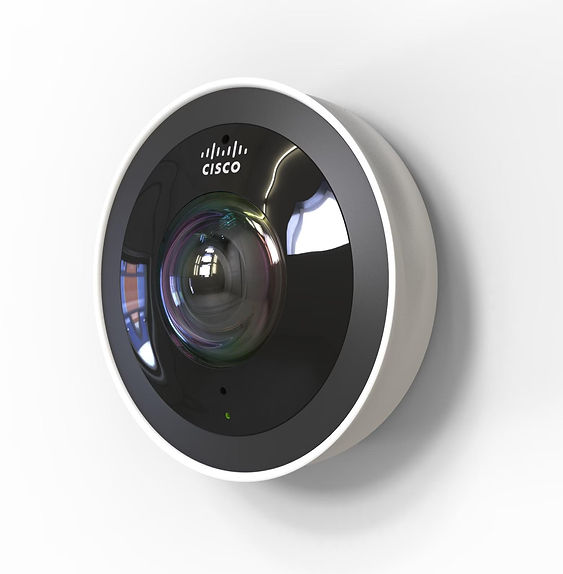
Cisco Meraki security cameras (the Meraki MV line) are cloud-managed smart cameras that store video on the camera itself and are managed from the Meraki Dashboard, with no NVR or VMS server required. Their biggest pros are simple multi-site management, built-in analytics, and tight integration with Meraki networking. The main cons are per-camera licensing costs and less flexibility than open VMS platforms. They fit best for organizations that already run Meraki or want minimal on-site infrastructure.
This review covers how Meraki cameras work, the current indoor and outdoor models, how licensing affects total cost, an honest look at pros and cons, and how Meraki compares with open-platform alternatives. If you already know you want Meraki and need pricing or installation, go straight to our Meraki MV cameras page.
What Is a Cisco Meraki Camera?
Meraki MV cameras are part of Cisco Meraki’s cloud-managed portfolio, which also includes switches, wireless access points, and security appliances. Each camera includes high-endurance solid-state storage (256 GB to 4 TB depending on model), an on-board processor for analytics, and a secure connection to the Meraki cloud.
Video is recorded locally on the camera; only metadata, thumbnails, and management traffic go to the cloud by default. Users view live and recorded video in a web browser or mobile app through the Meraki Dashboard, from anywhere, without client software.
How Meraki Cameras Work
- Edge storage: each camera records to its own solid-state drive, so there is no recorder to buy, patch, or replace.
- Cloud management: configuration, firmware updates, user permissions, and alerts run from the Meraki Dashboard.
- Edge analytics: machine-learning object detection classifies people and vehicles, powers motion search and attribute search (such as clothing or vehicle color), and drives people counting and occupancy.
- Optional Cloud Archive: an add-on license sends a copy of video to the cloud for off-camera retention.
- Integrations: APIs and integrations with Meraki networking, sensors, and third-party access control and analytics platforms.
Top Cisco Meraki Cameras in 2026
The current MV portfolio includes third-generation models (MV13, MV23, MV33, MV53X, MV63, MV73, MV93) and multi-imager models (MV44X, MV84X). Earlier models such as the MV12, MV22, MV32, MV52, and MV72 are previous generations; if you run them, check their end-of-support dates when planning upgrades.
Meraki Indoor Cameras
| Model | Type | Resolution / view | Storage | Best for |
|---|---|---|---|---|
| MV13 / MV13M | Fixed mini dome | 4K, 101.3° horizontal FoV, 15 m IR | 256 GB / 512 GB | Entrances, hallways, offices |
| MV23M / MV23X | Varifocal dome | 4K, 36°–112° FoV, 30 m IR | 512 GB / 1 TB | Lobbies, warehouses, flexible coverage |
| MV33 / MV33M | Fisheye | 360°, up to 2880×2880 | 256 GB / 512 GB | Open offices, classrooms, production floors |
The MV33 fisheye is the successor to the popular MV32. A single 360° camera can replace several fixed cameras in an open room, reducing camera and license count.
Meraki Outdoor Cameras
| Model | Type | Resolution / view | Storage | Best for |
|---|---|---|---|---|
| MV53X | Telephoto bullet | 4K, 12°–37° FoV, 50 m IR | 1 TB | Parking lots, perimeters, license plate capture |
| MV63 / MV63M / MV63X | Fixed mini dome | 4K, 102° FoV | 256 GB–1 TB | Building entrances and exits |
| MV73M / MV73X | Varifocal dome | 4K, 36°–112° FoV | 512 GB / 1 TB | Yards, loading docks, campuses |
| MV93 / MV93M / MV93X | Fisheye | 360°, up to 2880×2880 | 256 GB–1 TB | Parking areas, courtyards, wide situational awareness |
| MV84X | Multi-imager (4 x 5 MP) | Four adjustable views | 4 TB | Building corners, large lots, intersections |
Outdoor models are IP67 and IK10+ rated for weather and impact resistance. For how Meraki compares with Axis on the same project, see where Meraki MV and Axis fit in your security plan.
Pricing of Cisco Meraki Security Cameras: How Licensing Works
Meraki cameras use a hardware-plus-license model. You buy the camera once and a Meraki MV license per camera for a set term. The license covers cloud management, analytics, firmware updates, and Cisco support. Cloud Archive is an additional license if you want off-camera retention.
When comparing quotes, look at total cost of ownership over five to seven years, not just camera price:
| Cost element | Meraki MV | Traditional VMS + IP cameras |
|---|---|---|
| Recorder / server | None (edge storage) | NVR or server hardware, replaced every few years |
| Software | Per-camera license term | VMS license plus annual care plan |
| Maintenance labor | Low (cloud updates) | Server patching, storage, backups |
| Camera hardware | Typically higher per camera | Wide price range across brands |
Pricing varies by model, license term, and quantity. A qualified partner can quote both approaches side by side.
Pros & Cons of Cisco Meraki Security Cameras
Pros of Cisco Meraki Security Cameras
- Cloud-based management: manage every camera at every location from one dashboard, with remote access and no VPN.
- Built-in intelligent analytics: object detection, motion search, attribute search, and people counting are included with the license.
- Scalability: add a camera by claiming it in the dashboard; no server capacity to plan.
- Integration with the Meraki ecosystem: one dashboard for cameras, switches, Wi-Fi, and sensors.
- Security: encrypted storage and transport, automatic firmware updates, and role-based access. Models are NDAA and TAA compliant.
Cons of Cisco Meraki Security Cameras
- Higher costs versus some competitors: camera hardware plus recurring licensing can exceed budget-brand systems, especially for large camera counts.
- Licensing dependency: if licenses lapse, cloud management and features stop working, so renewals must be budgeted.
- Internet dependency for management: cameras keep recording locally during an outage, but remote viewing, alerts, and dashboard access need connectivity.
- Limited customization: fewer advanced options and third-party camera choices than open VMS platforms like Milestone.
Who Should Choose Meraki Cameras?
Meraki MV is usually a strong fit if you:
- Already run Meraki networking and want one dashboard
- Have many smaller sites with little or no on-site IT staff
- Want to eliminate NVRs and servers
- Value simplicity over deep customization
An open VMS with mixed camera brands may fit better if you need advanced integrations, very high camera counts at one site, or want to reuse existing cameras. Many organizations run both. See also Cisco Meraki MV and Axis cameras together.
Summary: Cisco Meraki Cameras
Meraki MV cameras deliver simple, secure, cloud-managed video with strong built-in analytics and no recorder to maintain. The trade-off is recurring licensing and less flexibility than open platforms. Evaluate total cost over the license term, your network readiness, and how much customization you need before deciding.
BTI Communications Group is a Cisco Meraki partner and has been in business for 40 years, delivering integrated physical security since the 2010s. We design, quote, install, and support Meraki MV deployments alongside Meraki networking. Southern California customers can work with our Cisco Meraki Los Angeles team.
Frequently Asked Questions
Do Meraki cameras need an NVR?
No. Each Meraki MV camera records to its own solid-state storage and is managed from the cloud-based Meraki Dashboard, so no NVR or VMS server is required.
Do Meraki cameras require a license?
Yes. Each camera needs a Meraki MV license for a set term, which covers cloud management, analytics, firmware updates, and support. Cloud Archive is an optional add-on license.
What happens to Meraki cameras if the internet goes down?
The cameras continue recording to on-board storage. Remote viewing, alerts, and dashboard management resume when connectivity returns.
Are Meraki cameras NDAA compliant?
Yes. Cisco lists current Meraki MV cameras, such as the MV13, as NDAA and TAA compliant.
Get a free security site assessment
Talk with a BTI security engineer about your cameras, access control, and alarms. We will walk your site, document what you have, and give you an itemized plan. Call 800-435-7284 or request your assessment online.