


If you are researching security cameras for your business, there is a good chance Verkada has already come up in your search. Over the past several years, Verkada has become one of the most recognized vendors in the commercial video surveillance market, particularly for its cloud-managed security camera platform.
But while Verkada is a well-known option, it is far from the only one.
The commercial video surveillance market includes a wide range of vendors. Many organizations evaluating surveillance systems compare Verkada competitors and alternatives to understand how different solutions handle things like system architecture, analytics capabilities, hardware flexibility, and long-term operational costs.
In this BTI Group guide, we will walk through several of the most notable Verkada alternatives in the commercial surveillance market. We will compare their general capabilities, highlight potential advantages and limitations, and explain the key factors organizations should consider when choosing a video security platform.
Best Verkada Competitors and Alternatives for Commercial Video Surveillance
Several companies provide surveillance solutions that are commonly compared with Verkada in commercial environments.
| Platform | Type of Solution | General Focus |
|---|---|---|
| Axis Communications | Network camera manufacturer | Enterprise IP cameras with edge recording and cloud-connected management |
| Avigilon Alta | Cloud video surveillance platform | Cloud-managed video security with analytics and centralized administration |
| Arcules (Milestone Systems) | Cloud video surveillance platform | Cloud-based video management supporting multiple camera manufacturers |
| Cisco Meraki Cameras | Cloud-managed camera platform | Integrated networking and camera management within the Meraki ecosystem |
| Eagle Eye Networks | Cloud video surveillance platform | Remote monitoring and centralized video management across multiple locations |
Axis Communications Cameras

Axis Communications is widely known for producing network cameras and video surveillance hardware. Unlike fully integrated cloud camera platforms, Axis typically serves as the camera layer within a broader surveillance system, where organizations combine Axis hardware with a video management system (VMS).
Axis has expanded its portfolio with cloud-enabled management options such as AXIS Camera Station Edge, Axis Cloud Connect, and AXIS Camera Station Cloud Storage. These solutions allow organizations to manage cameras and store video through cloud-connected services including the Meraki Dashboard and dozens of third party AI developers while still using Axis camera hardware. This approach gives businesses maximum flexibility when designing surveillance architectures that combine edge recording, cloud storage, artificial intelligence, and centralized management.
Key Differences Between Axis and Verkada Cameras
The main difference between Axis and Verkada is open versus closed architecture. Verkada provides a vertically integrated platform that includes cameras and management software together. Axis cameras, by contrast, are often deployed as part of a modular surveillance architecture where hardware and software can be selected separately.
Advantages of Axis Communication Cameras
- Extensive camera portfolio: Axis offers one of the largest selections of professional IP cameras in the industry. Organizations can select cameras based on specific operational needs such as wide-area coverage, low-light environments, or outdoor durability.
- Higher return on investment: Axis cameras are the go-to choice for tight integration with premise and cloud based VMS software providers from giants like Cisco Meraki, Genetec, Milestone, and Exacq to specialized AI providers for specific industrial or healthcare or law enforcement applications. As an Axis Solutions Gold Partner, BTI can design surveillance systems tailored to exact requirements avoiding unnecessary cost involved with other providers.
- Widely supported by integrators: Axis cameras are commonly used in enterprise surveillance projects, which means many security integrators and system designers are familiar with deploying and maintaining them.
Disadvantage of Axis Communication Cameras
Higher deployment complexity: Organizations need to coordinate camera hardware, recording infrastructure, and management software. With Verkada products, they arrive ready to connect to Verkada cloud.
Avigilon Alta Cameras
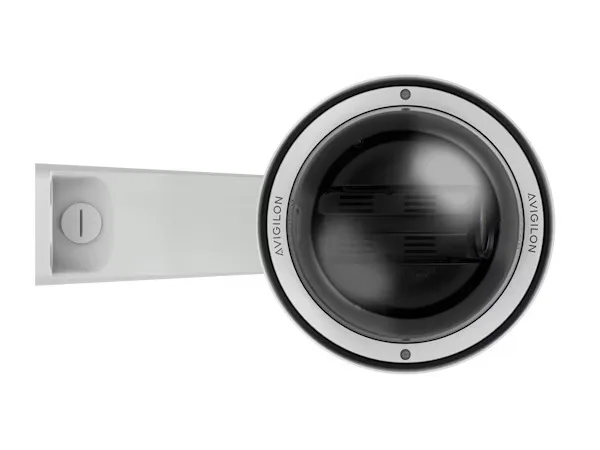
Avigilon Alta is a cloud-managed video security platform that combines cameras, analytics, and centralized management tools. It is part of the broader Motorola Solutions security portfolio.
Key Differences Between Avigilon and Verkada Cameras
Avigilon Alta is closer to Verkada in its cloud management approach, but it is typically positioned as part of a larger physical security ecosystem.
Advantages of Avigilon Alta Cameras
- Industry-leading camera quality: Avigilon is widely recognized for producing high-performance cameras with advanced imaging capabilities designed to deliver clear video in challenging environments such as low light or large coverage areas.
- Cloud connectors for existing cameras: Avigilon Alta supports cloud connectors that allow organizations to integrate cameras from multiple manufacturers without replacing their entire surveillance infrastructure. This can help businesses migrate to cloud-managed video systems while preserving existing hardware investments.
- Integrated video analytics: The platform includes analytics capabilities that can assist with identifying events or reviewing recorded footage more efficiently.
- Part of a broader security ecosystem: Organizations evaluating security platforms sometimes consider how well video surveillance integrates with other physical security tools. Avigilon’s ecosystem can support broader security deployments.
Disadvantages of Avigilon Alta Cameras
- Platform scope may be broader than some organizations need: Because Avigilon is part of a wider security platform ecosystem, evaluating the full system may require more planning compared to simpler camera deployments.
- Total cost depends on system scale: Cloud surveillance platforms often require evaluating both hardware and recurring service components.
Arcules (Milestone) Video Surveillance
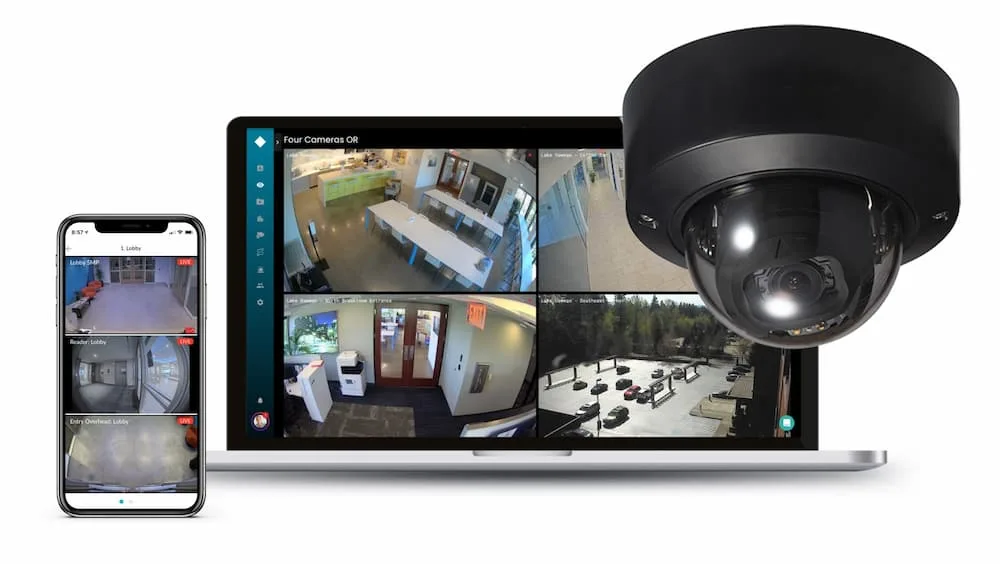
Arcules is a cloud-based video surveillance platform by Milestone Systems. The platform focuses on cloud video management, analytics, and centralized monitoring for organizations operating across multiple locations.
Key Differences Compared to Verkada
Arcules provides a cloud-managed video platform like Verkada but is designed to support a wider range of camera hardware and system configurations. This flexibility can allow organizations to build surveillance environments that combine existing infrastructure with cloud-based management.
Advantages of Arcules
- Cloud-native video management: Arcules allows organizations to monitor and manage cameras through a centralized cloud interface.
- Hardware flexibility: The platform supports multiple camera manufacturers, which can help organizations integrate existing surveillance hardware into the system.
- Scalable monitoring: Arcules is designed for environments where security teams need to oversee multiple facilities from a single platform.
Disadvantages of Arcules
- Deployment may depend on existing infrastructure: Organizations need to evaluate how current cameras and networks integrate with the platform.
- Cloud storage and analytics costs may scale with system size: As surveillance deployments grow, organizations must evaluate long-term operational costs.
Cisco Meraki Cameras
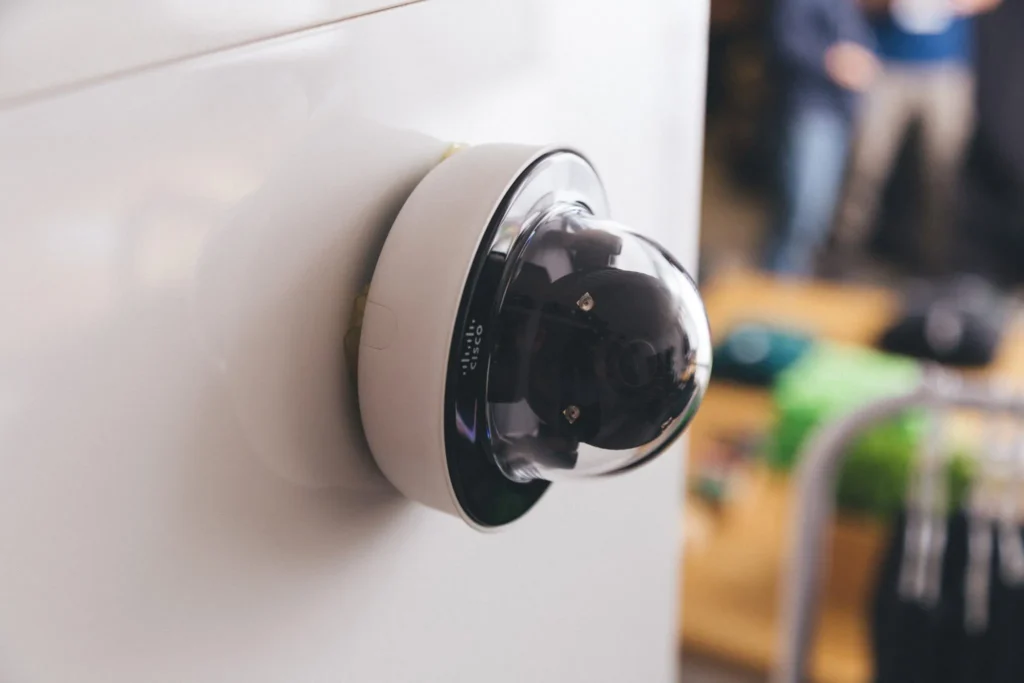
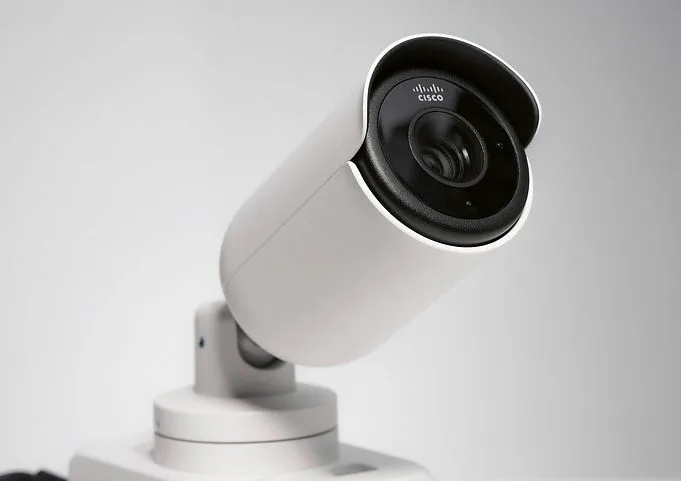
Cisco Meraki cameras are part of the Meraki cloud-managed networking ecosystem. The cameras are managed through the same dashboard used for Meraki networking devices.
Key Differences of Cisco Meraki and Verkada Cameras
Meraki cameras are designed to work within a broader IT and security system infrastructure – not just a standalone physical security ecosystem.
Advantages of Cisco Meraki Cameras
- Unified device management: Organizations already using Meraki networking equipment can manage cameras through the same dashboard used for switches, wireless devices, and other infrastructure.
- Simplified deployment: Because Meraki devices are cloud-managed, administrators can configure cameras and review footage through a centralized interface.
- Alignment with IT-managed environments: Meraki cameras often appeal to organizations where surveillance systems are managed by IT teams rather than separate security departments.
- Partnership with Axis and Compatibility with Axis Cloud Connect: Cisco Meraki recently partnered with the world’s leading IP Camera provider, Axis, to bring in Axis products thus providing a very broad selection of industry leading camera choices.
- Partnership with Avigilon Alta Access Control: The Meraki cloud dashboard seemlessly integrates with Avigilon’s Alta cloud access control solution which can capably serve mulit-site security conscious companies and enjoys large market share in the US.
Disadvantages of Cisco Meraki Cameras
- Best suited for organizations already using Meraki cloud infrastructure: Organizations that do not use Meraki networking equipment or the Meraki cloud dashboard may not benefit as much from the integrated management model.
- Cloud dependency for management and video access: The system relies on Meraki’s cloud dashboard for configuration, monitoring, and administration.
- Limited platform flexibility: Meraki cameras are designed to operate within the Meraki cloud dashboard and licensing ecosystem. Organizations that migrate to another video management platform will need to replace Meraki cameras because they cannot be fully managed by traditional third-party VMS systems.
Eagle Eye Cameras
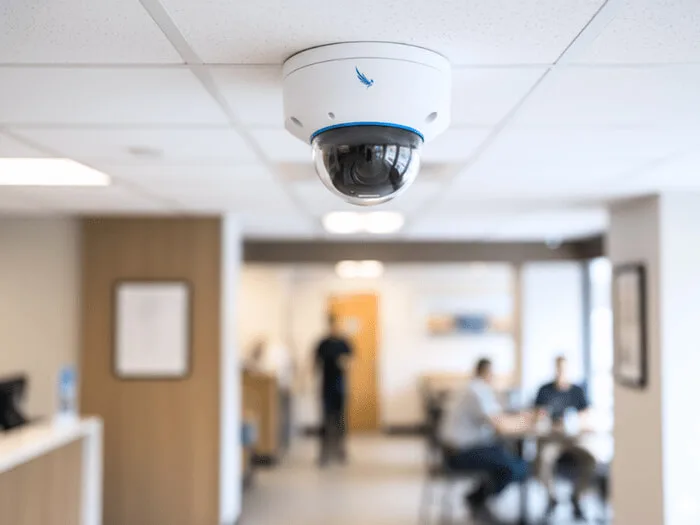
Eagle Eye Networks provides a cloud video surveillance platform designed to help organizations monitor multiple facilities and manage surveillance systems remotely.
Advantages of Eagle Eye Cameras
- Centralized monitoring across multiple locations: Organizations can monitor cameras and manage security operations across multiple sites through a single cloud-based interface.
- Flexible camera compatibility: Eagle Eye Networks supports a wide range of third-party camera manufacturers, allowing organizations to integrate many existing IP cameras rather than replacing all hardware.
- Scalable architecture: Cloud-based surveillance platforms can expand easily as organizations add locations or cameras without major infrastructure changes.
Disadvantages of Eagle Eye Cameras
- Dependence on supporting hardware infrastructure: Eagle Eye deployments typically require compatible cameras and may rely on bridge or gateway devices to connect existing camera systems to the cloud platform.
- Costs scale with system size and storage needs: Subscription, storage, and operational costs can increase as the number of cameras and video retention requirements grow.
Key Factors to Consider When Evaluating Verkada Competitors
Choosing a video surveillance platform is rarely about selecting a camera brand. Most organizations evaluating Verkada competitors are making a broader decision about how their surveillance infrastructure will operate for the next several years.
Security systems often stay in place for long periods of time, so the right platform needs to support both current requirements and future expansion. When comparing alternatives, organizations typically evaluate several key factors that affect how the system will perform operationally.
AI & Analytics Capabilities
Video analytics have become an important part of modern surveillance platforms. Instead of manually reviewing footage hours, analytics tools can help security teams locate events more quickly and monitor environments more effectively.
When evaluating analytics capabilities, organizations should consider how the platform handles tasks such as:
- searching video footage based on objects, motion, or events
- generating alerts when specific activity is detected
- helping security teams review incidents more efficiently
The usefulness of analytics often depends on how easily security teams can interact with these tools during real investigations, not just the number of analytics features listed in product documentation.
Cost of Ownership and Value
The cost of a surveillance platform extends beyond the initial purchase of camera hardware. Organizations evaluating Verkada alternatives typically examine the full lifecycle cost of the system.
This may include:
- camera hardware purchases
- licensing or subscription fees
- cloud storage costs
- maintenance and system upgrades
- operational costs for managing the system
Understanding the long-term cost structure is important because surveillance deployments often expand over time. A system that works well for a small installation may become significantly more expensive when scaled across multiple locations.
Customer Support
Video surveillance systems are part of an organization’s critical security infrastructure. When issues occur, reliable vendor support can be essential for maintaining system availability.
Organizations evaluating vendors often consider:
- availability of technical support
- documentation and training resources
- vendor experience in commercial security deployments
Selecting a vendor with a dedicated support structure can help ensure the system continues to operate effectively over time.
Data Privacy and Storage Options
Video surveillance systems capture sensitive information, which means organizations must carefully evaluate how footage is stored and protected.
Important questions to consider include:
- where recorded footage is stored
- how long video data is retained
- how access to recordings is controlled
- whether footage is encrypted or otherwise protected
Organizations operating in industries such as healthcare, finance, or education often have additional privacy considerations when storing and managing surveillance footage.
Ease of Use
Video surveillance systems can vary significantly in how difficult it is to install and manage.
Some platforms are designed to simplify deployment with centralized management tools, while others may require more extensive system configuration during installation.
Organizations should evaluate:
- how cameras are installed and configured
- how administrators manage user access and permissions
- how system updates and device maintenance are handled
Platforms that simplify these tasks can reduce the amount of time security teams spend maintaining the system.
Security and Compliance
Because surveillance systems often capture sensitive information, security protections are an important consideration.
Organizations evaluating vendors should review how the platform addresses topics such as:
- user authentication and access control
- protection of stored video data
- system monitoring and administrative controls
For businesses operating in regulated industries, surveillance platforms may also need to align with internal compliance or governance policies.
Hardware Compatibility
Many organizations already have surveillance infrastructure in place. In these cases, replacing every camera may not be practical or necessary.
When evaluating alternatives, organizations should determine whether a platform:
- supports existing camera hardware
- requires proprietary devices
- allows mixed hardware deployments
This can significantly influence the overall cost and complexity of upgrading a surveillance system.
Looking For Reliable Verkada Alternatives?
BTI Communications Group helps organizations design and deploy commercial video surveillance systems that align with operational, security, and compliance requirements.
If you are comparing Verkada competitors or planning a new surveillance deployment, our team can help you evaluate platforms and identify the right solution for your environment.